Visual Language
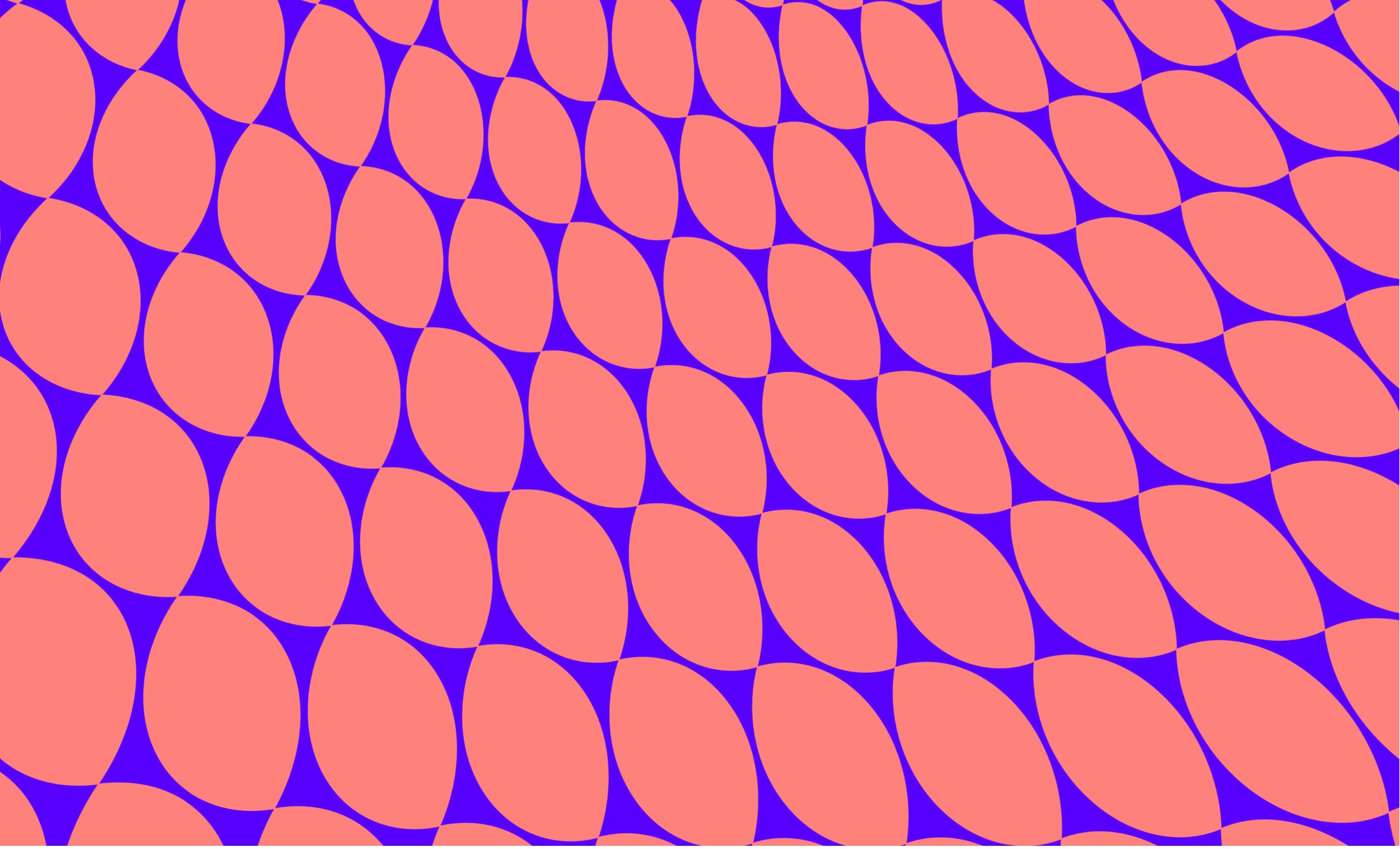
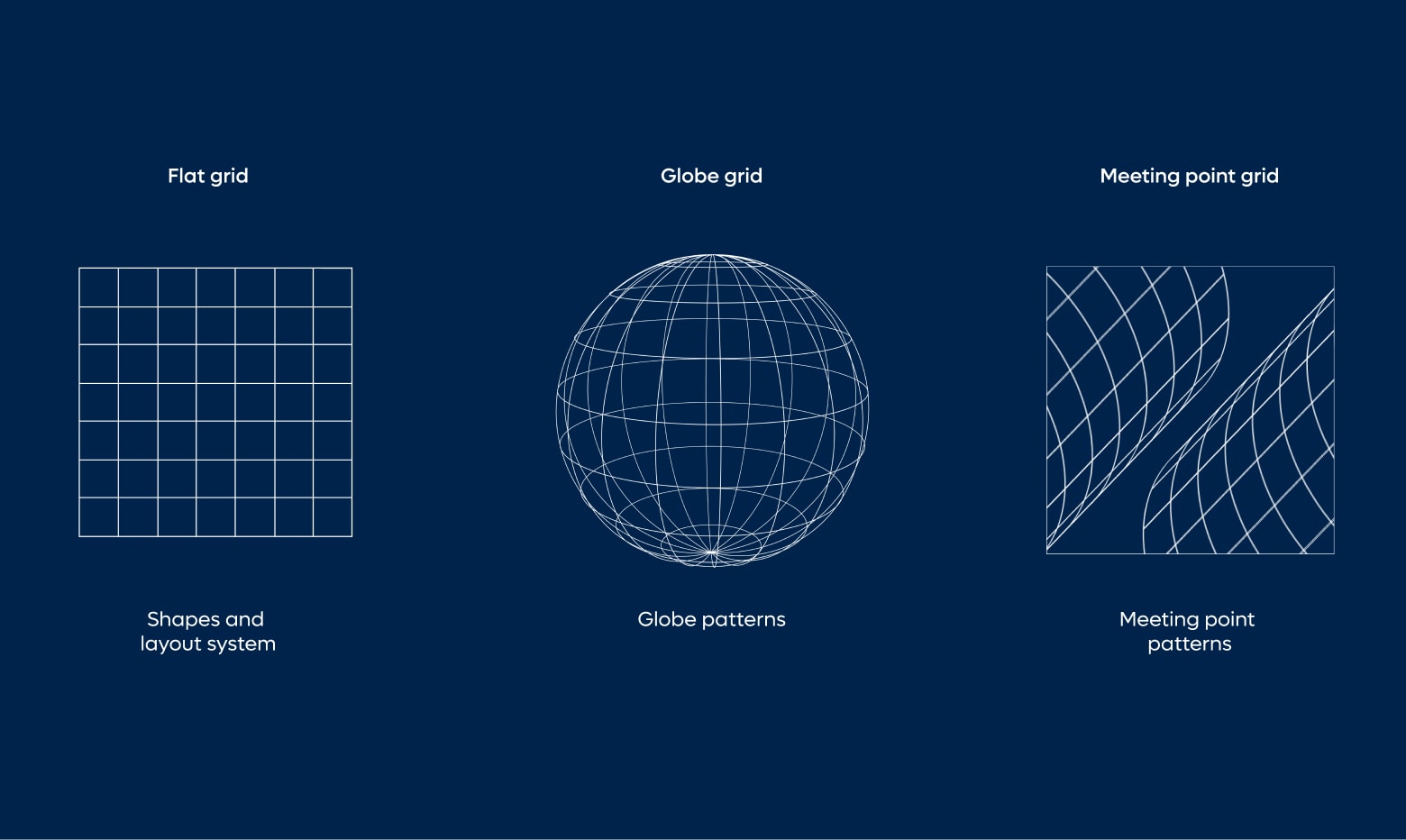
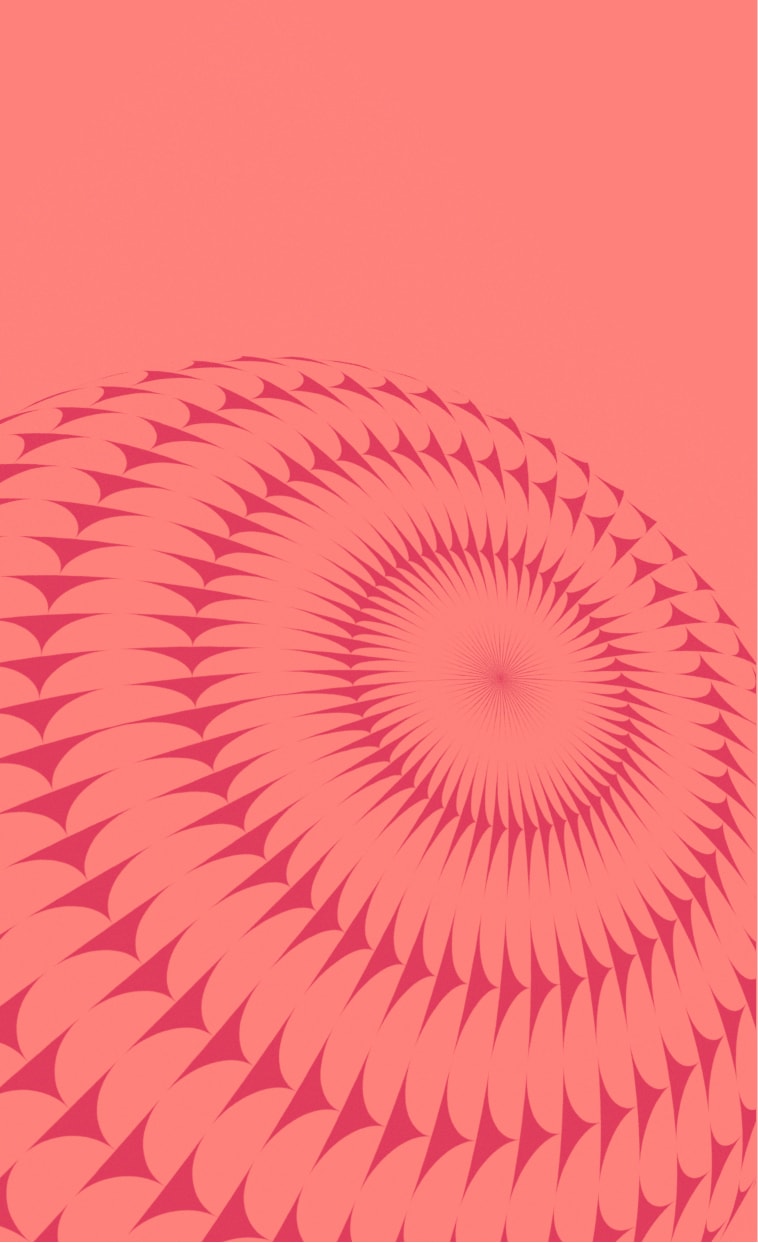
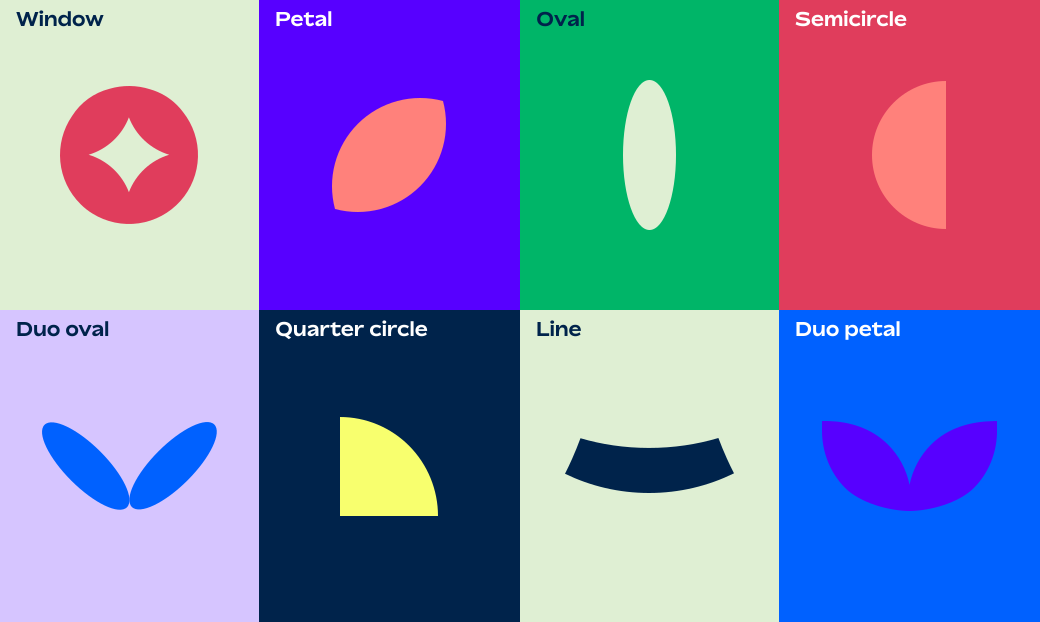
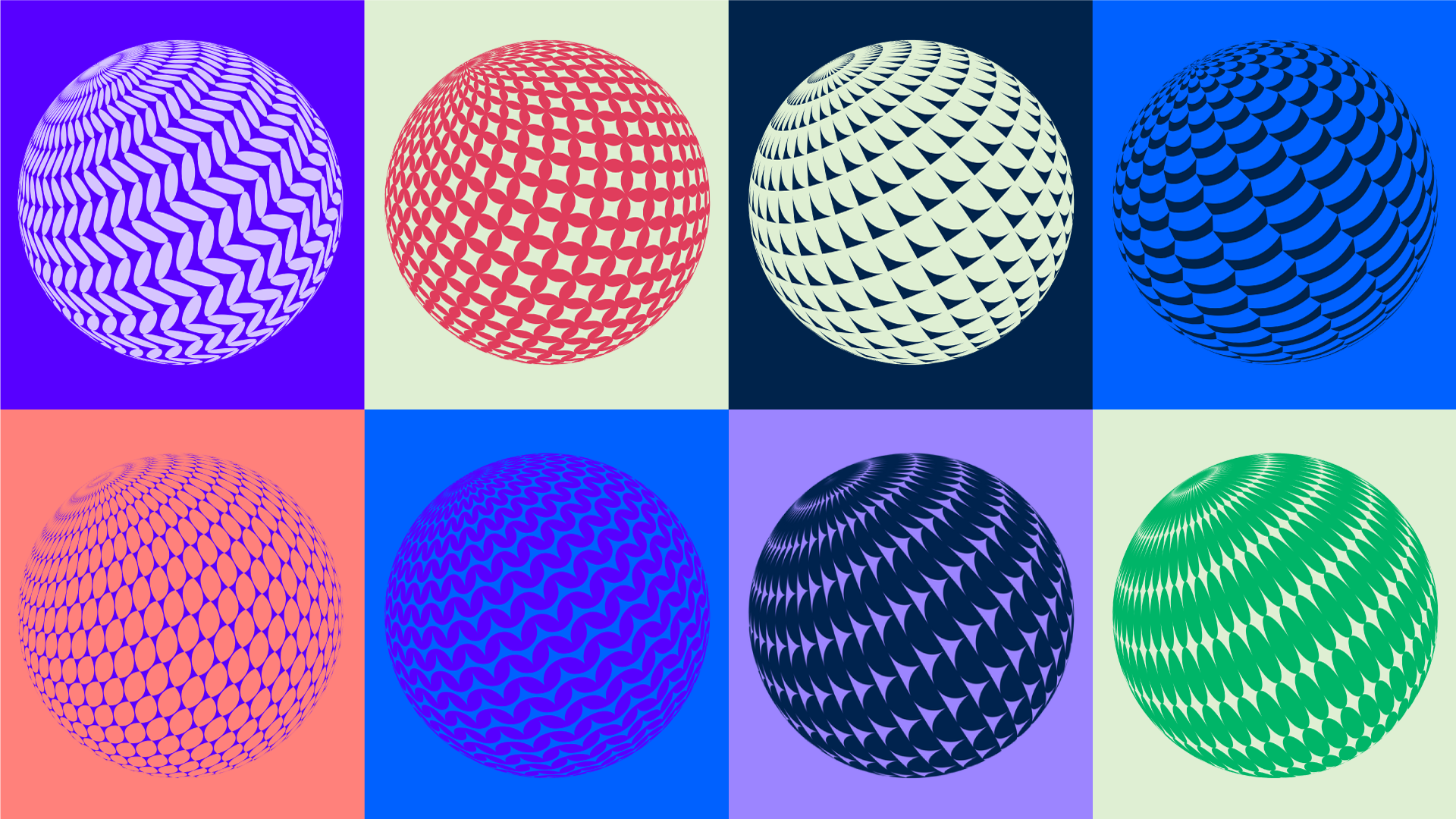
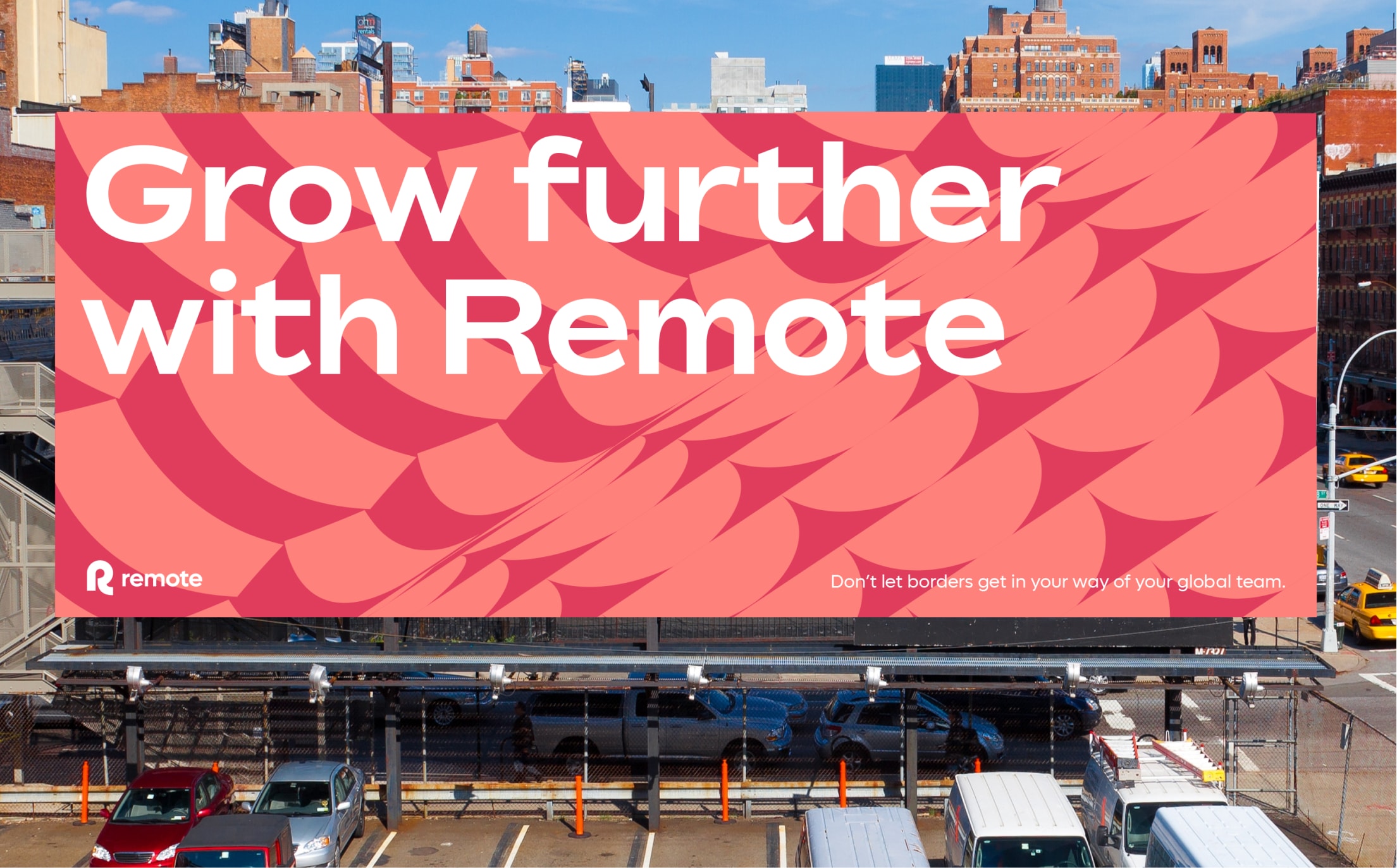
Our vibrant visual language is based on the globe. This informs the creation of key shapes and our rich 3D globe pattern language.

Shape usage: Cropping the shapes
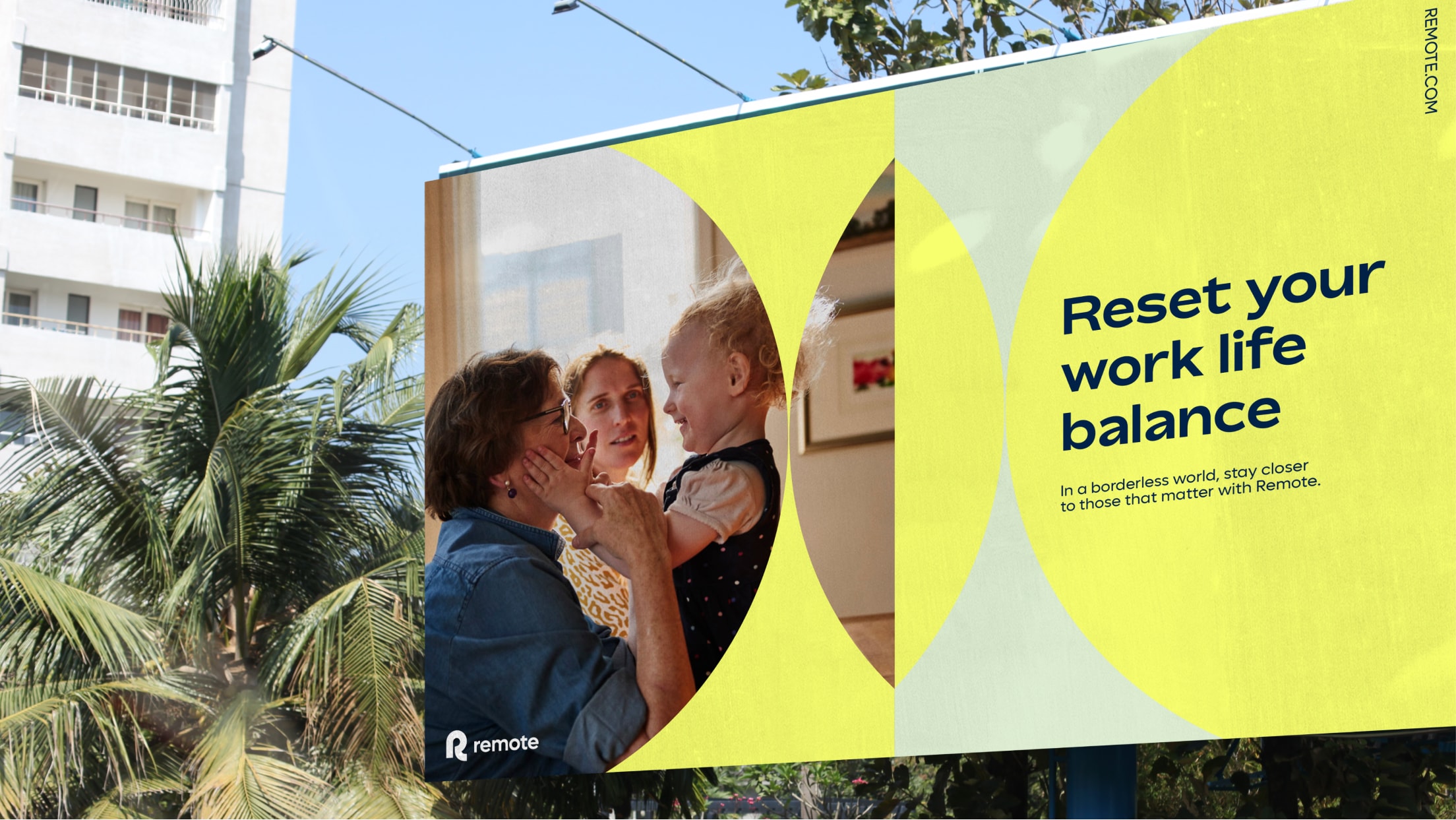
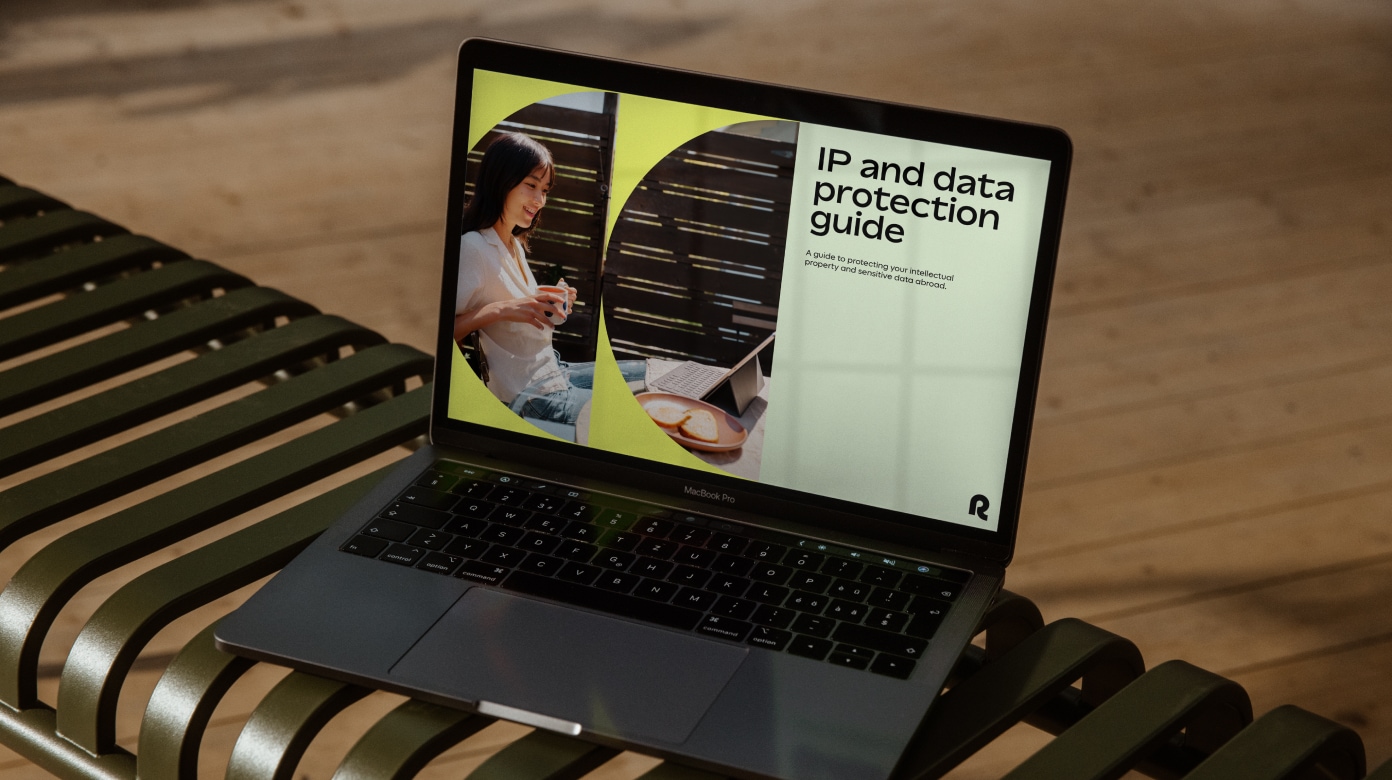
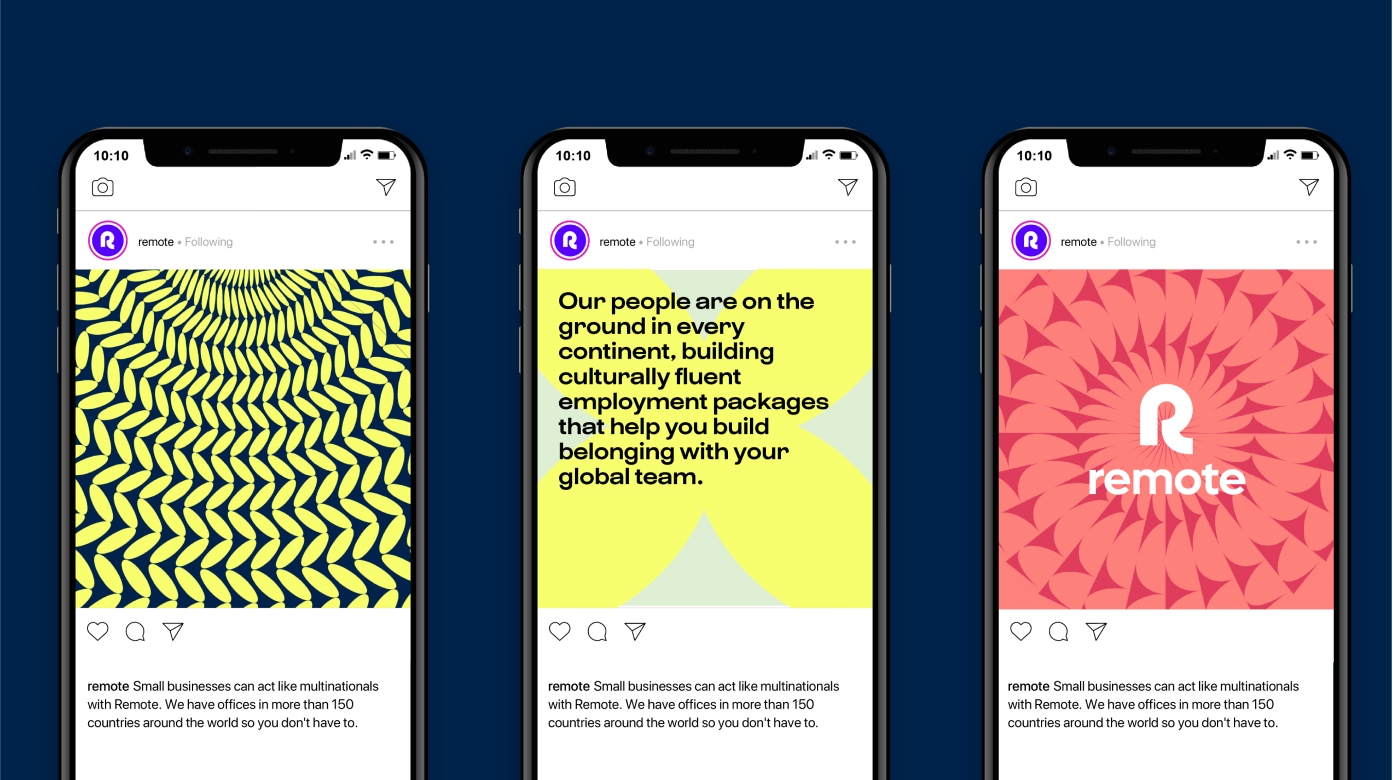
Our shapes can be used in various ways throughout our brand: cropped with art direction or cropped with type.

How to crop shapes
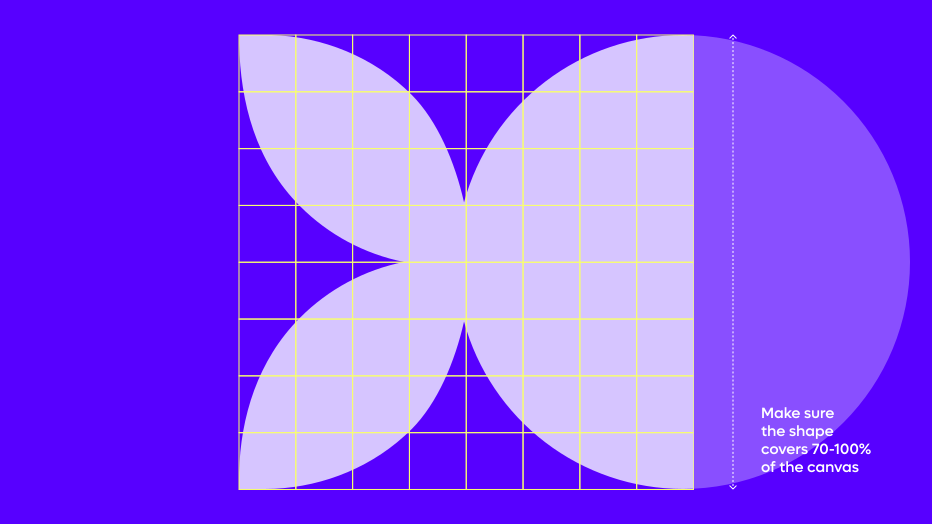
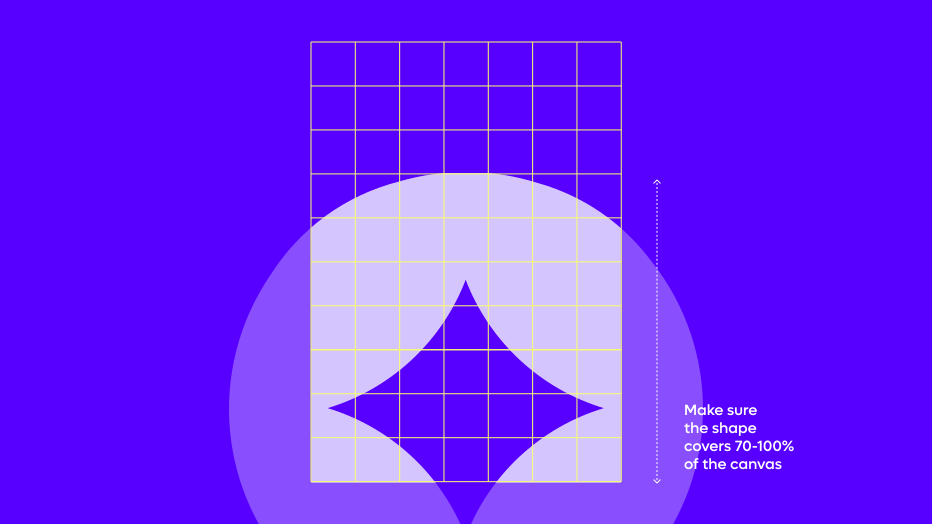
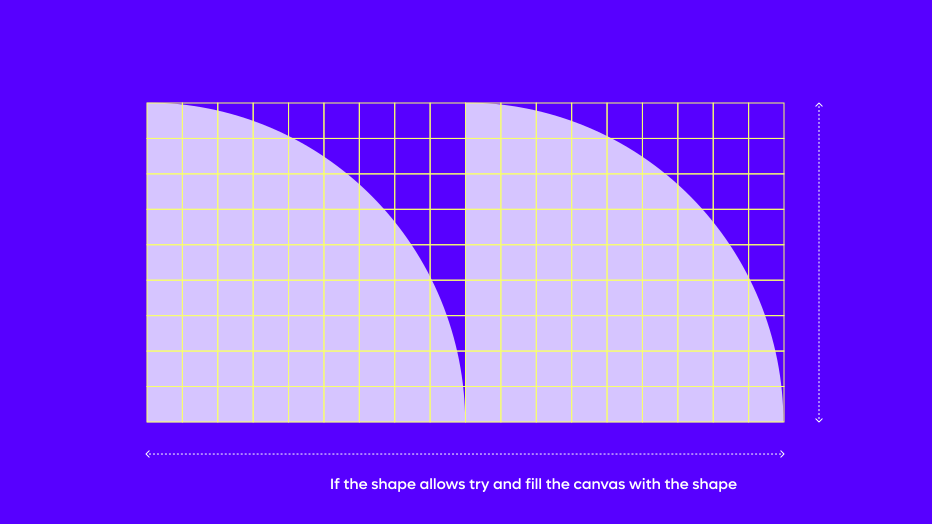
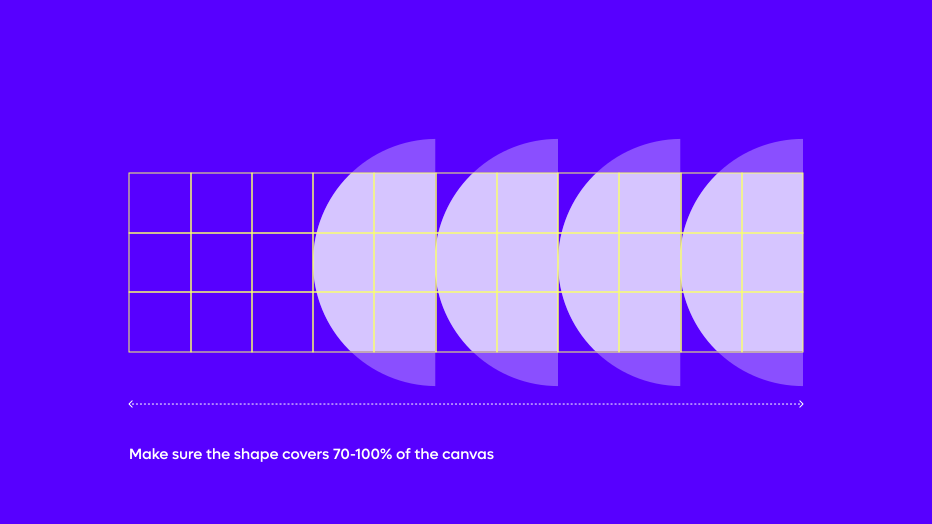
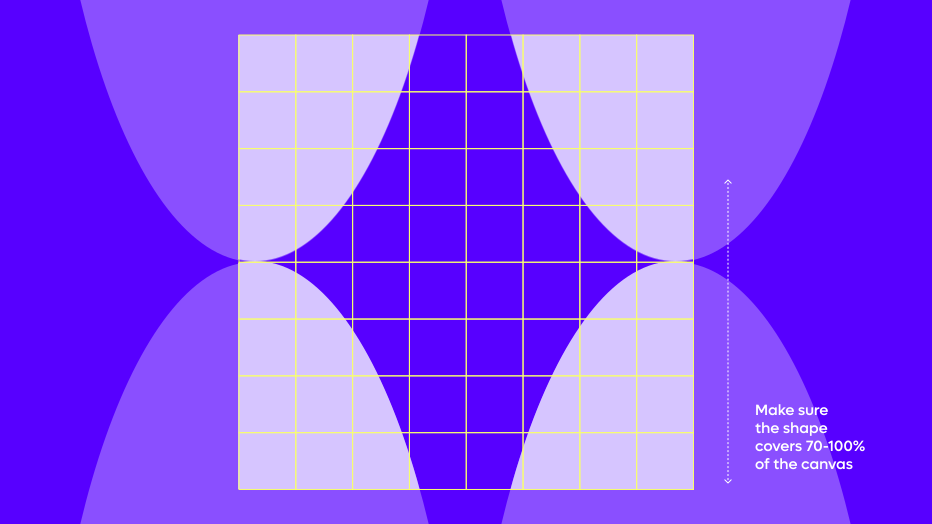
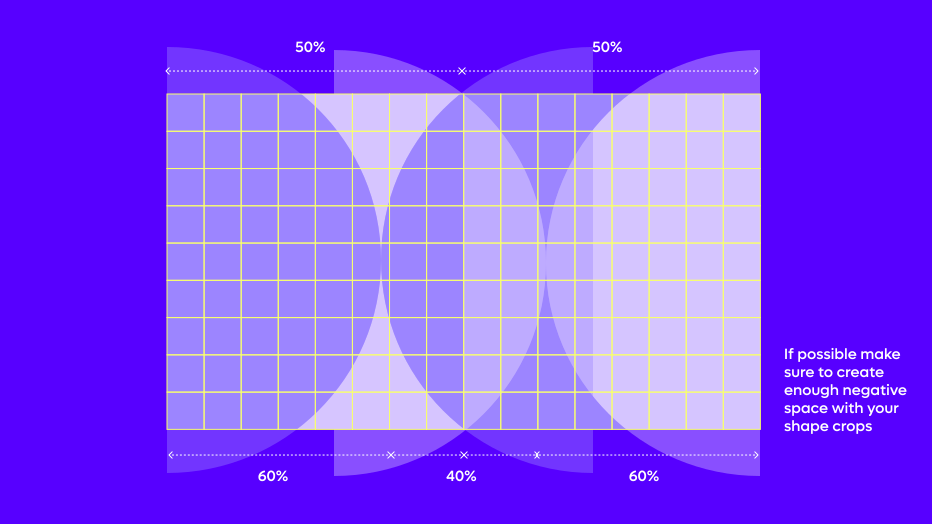
Please follow these rules when cropping our signature shapes in various formats. Our shapes can be repeated and mirrored. The key to success is to make sure the shape occupies the majority of the canvas.
Shape usage: Mirroring the shapes
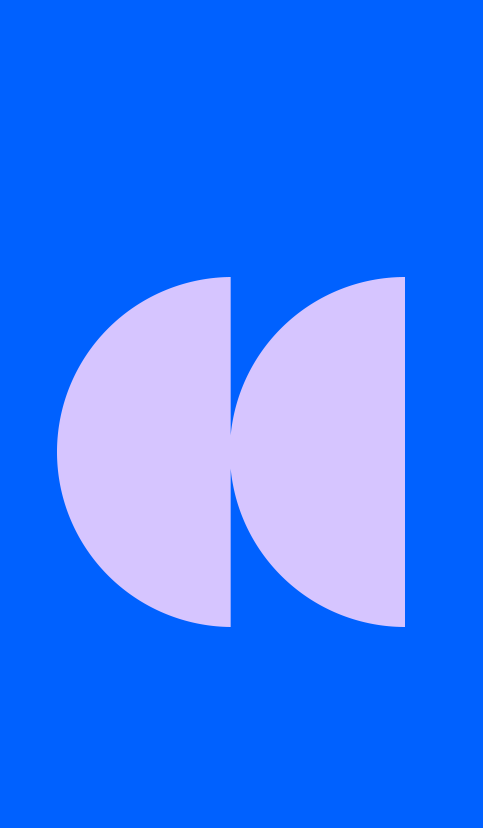
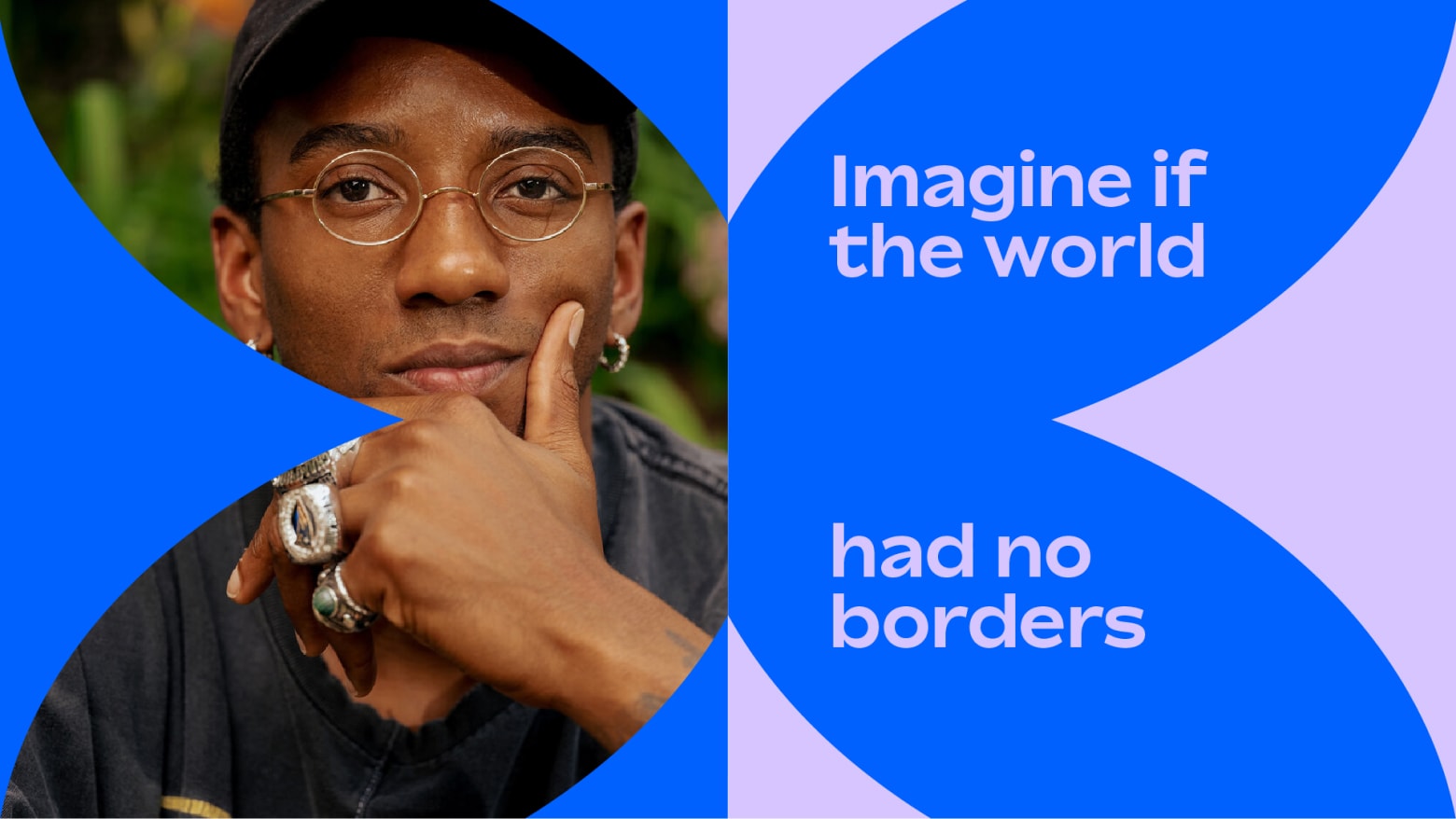
Remote is all about making connections and establishing meeting points. Our shape layouts can also take inspiration from this ethos, creating arrangements that use a mirroring effect where two shapes meet. These can be used with type and art direction to add further visual interest to your layouts.
How to mirror shapes
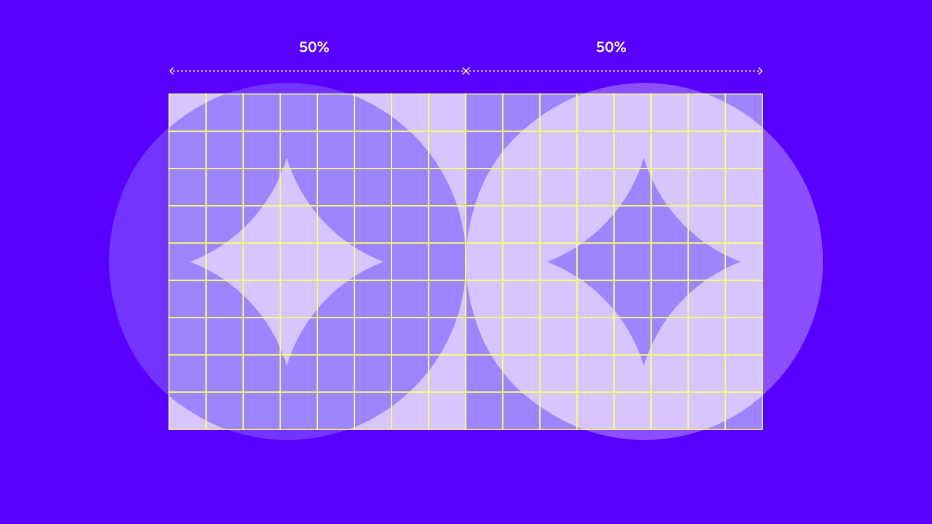
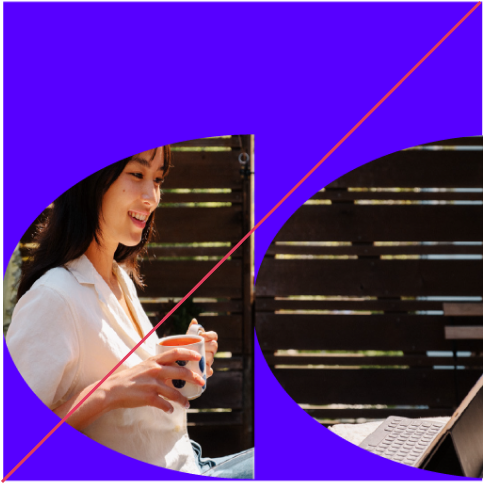
We can use our shapes to create interesting layouts that create a mirroring effect. We do this by using 2 colours, dividing our canvas in half and reflecting our shape. These create natural holding areas for type or image.
Things to avoid
When working with our shape assets, please refrain from the following mistakes
in order to maintain consistency and legibility within the Remote brand.
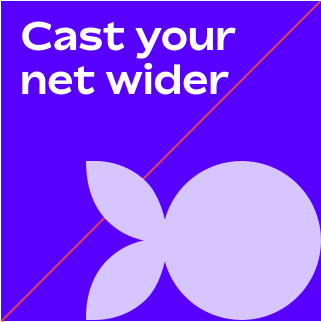
Make sure shape is not too small
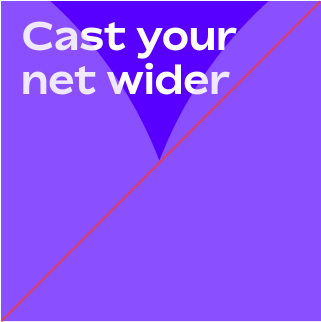
Make sure cropped shape is not overly large
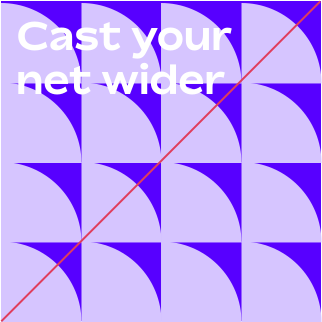
Do not repeat shapes too much like a pattern
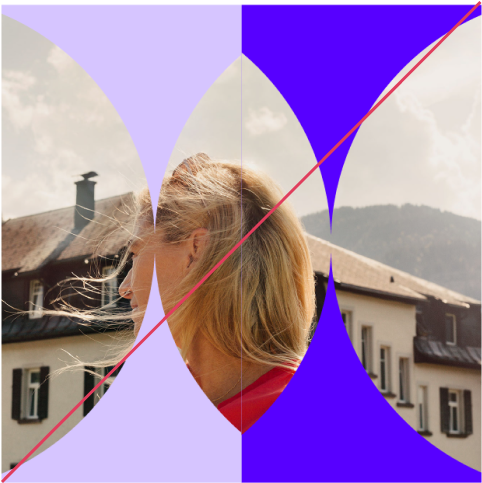
When mirroring shapes, do not use
an image across both halves
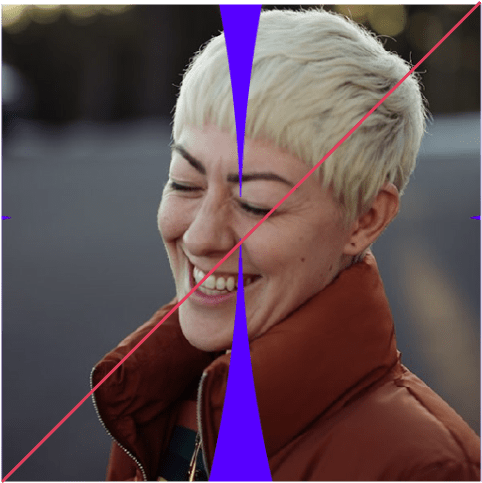
Do not mask an image on a shape
that is too largely cropped. Shapes
should be distinguishable
Do not warp shapes
Globe usage
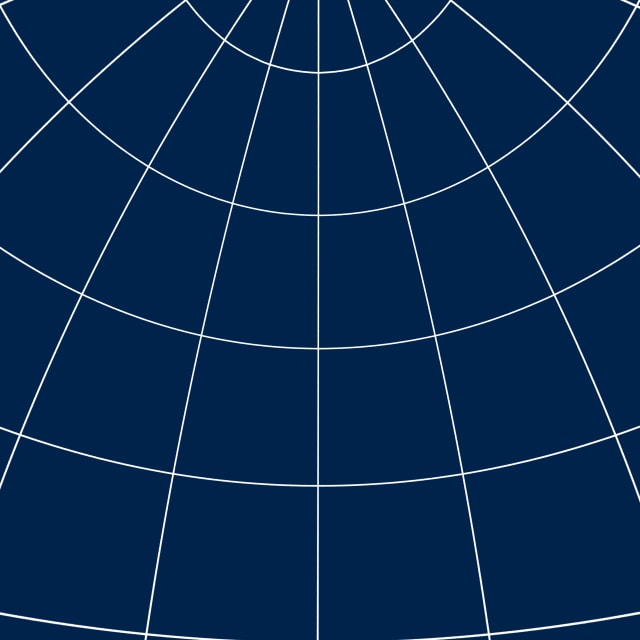
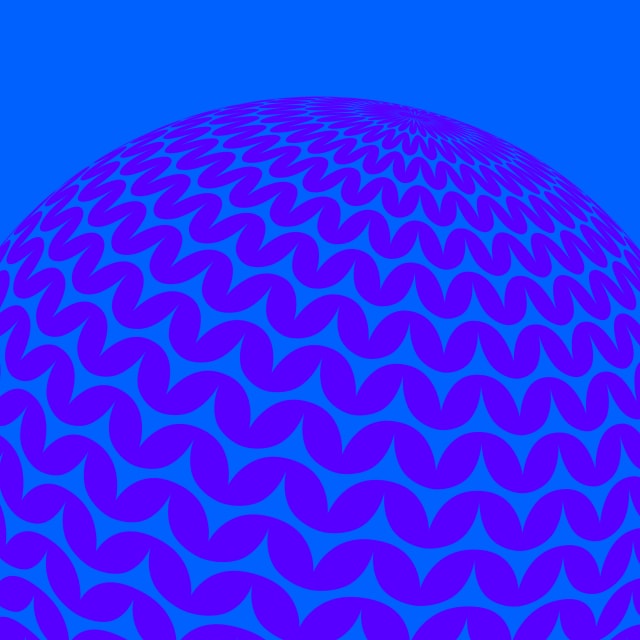
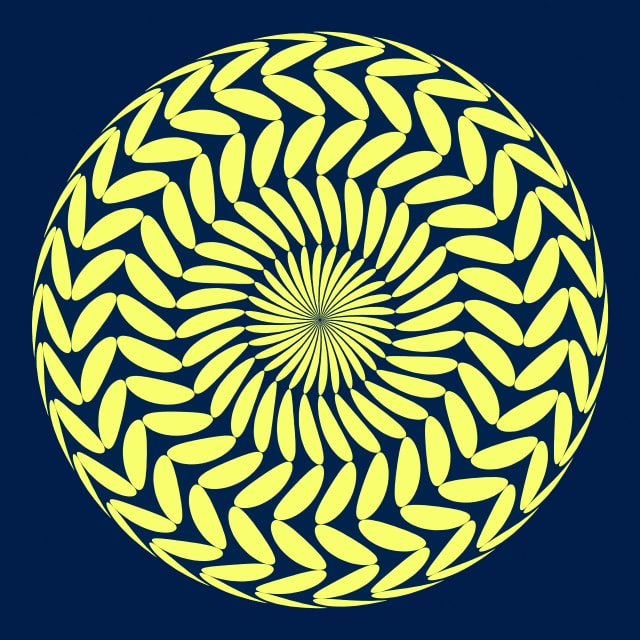
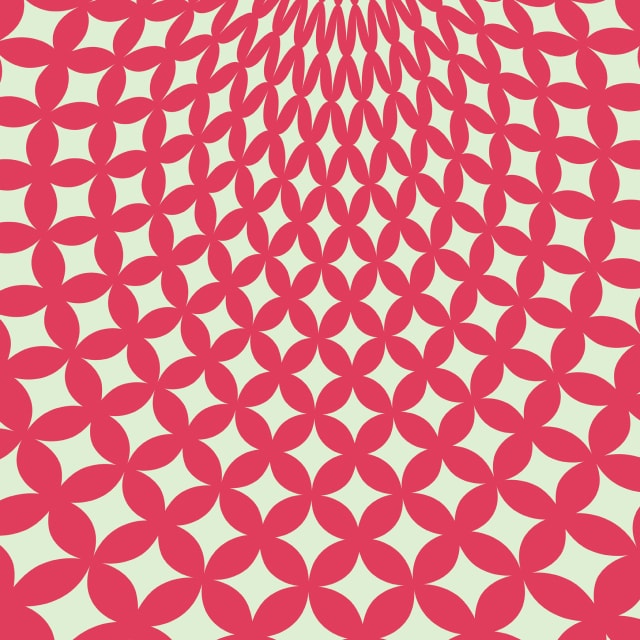
Our globe graphics generate three potential visual expressions: Our exterior rotation globes, our overhead globes and the interior of our globes.
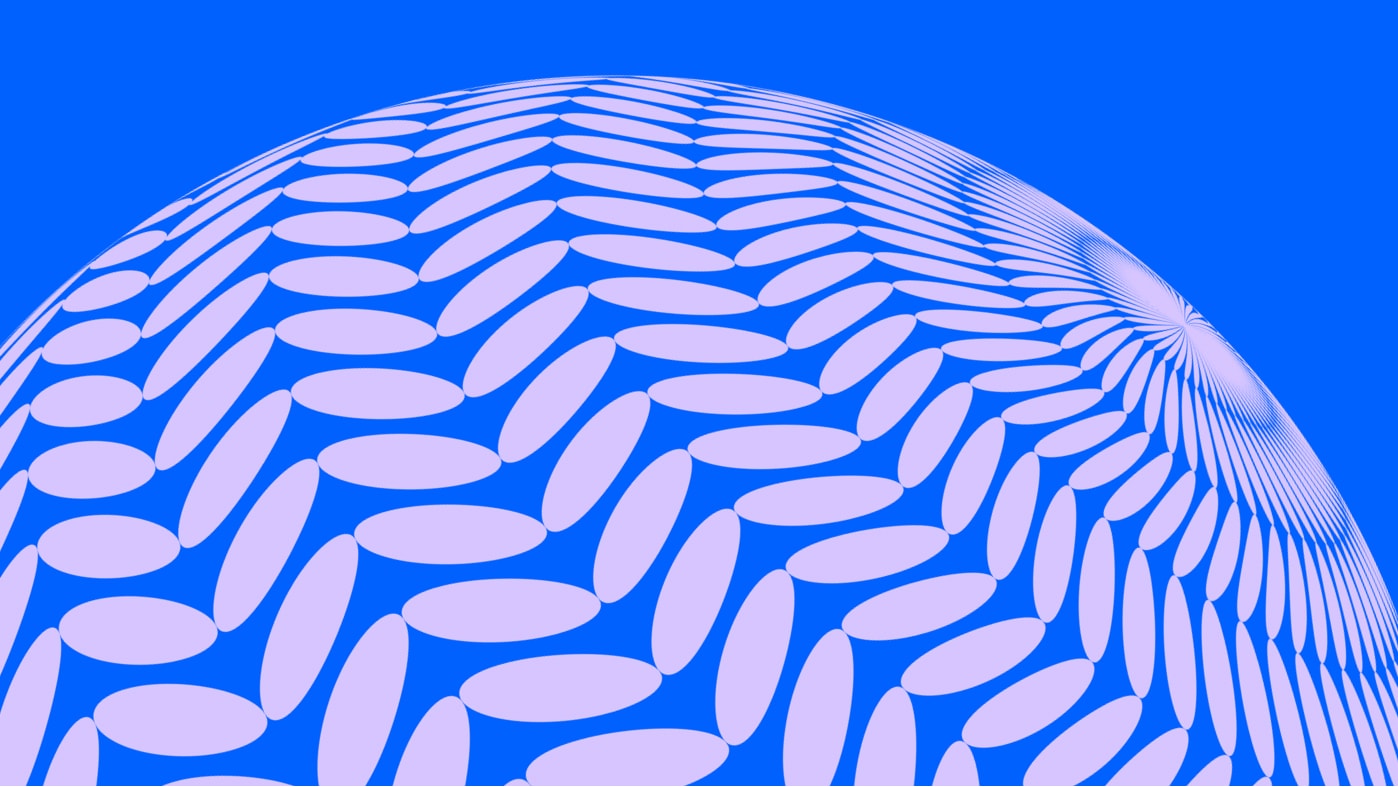
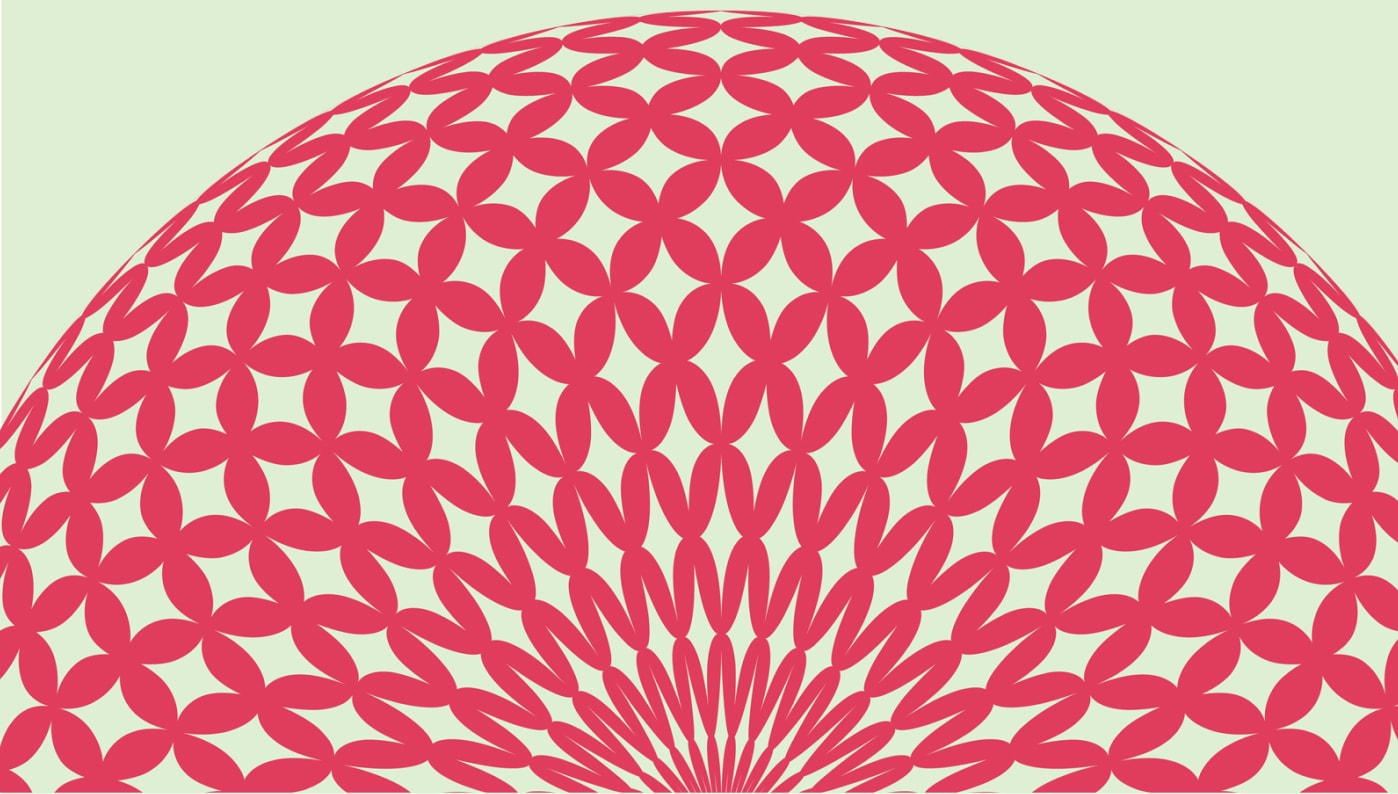

Globe breakdown
Our globe graphics come with three different viewpoints: Globe rotation, overhead globes and inside of the globe. These create really immersive visuals that hint at our globe grid.
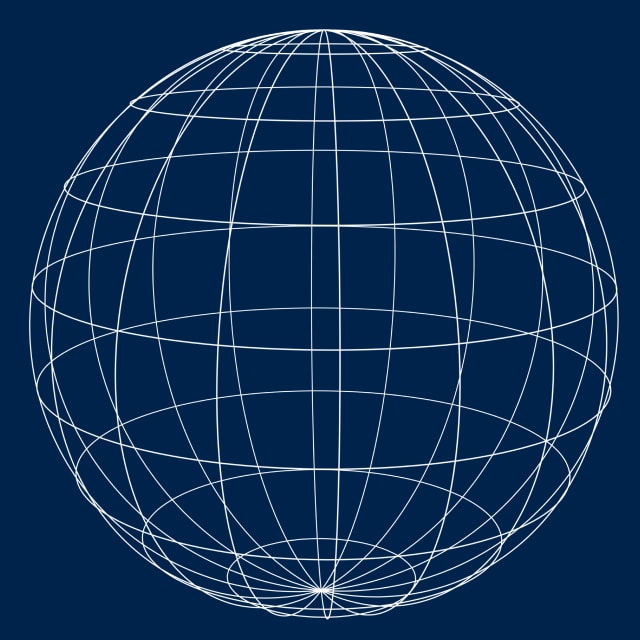
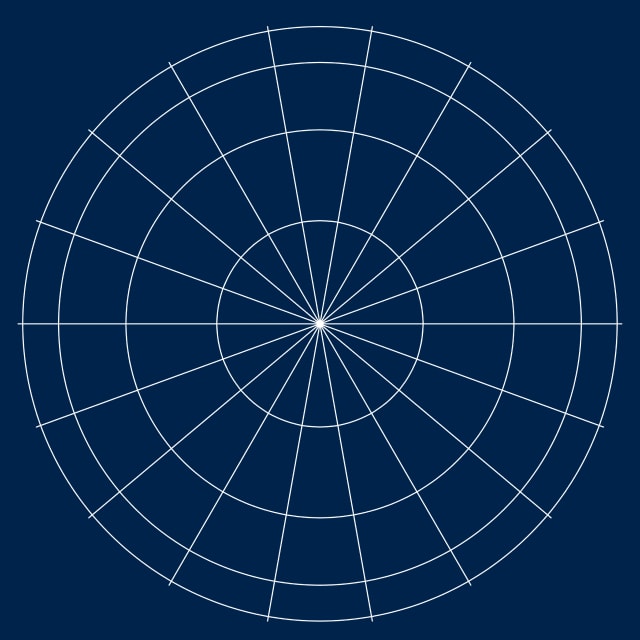
How to create your own globes
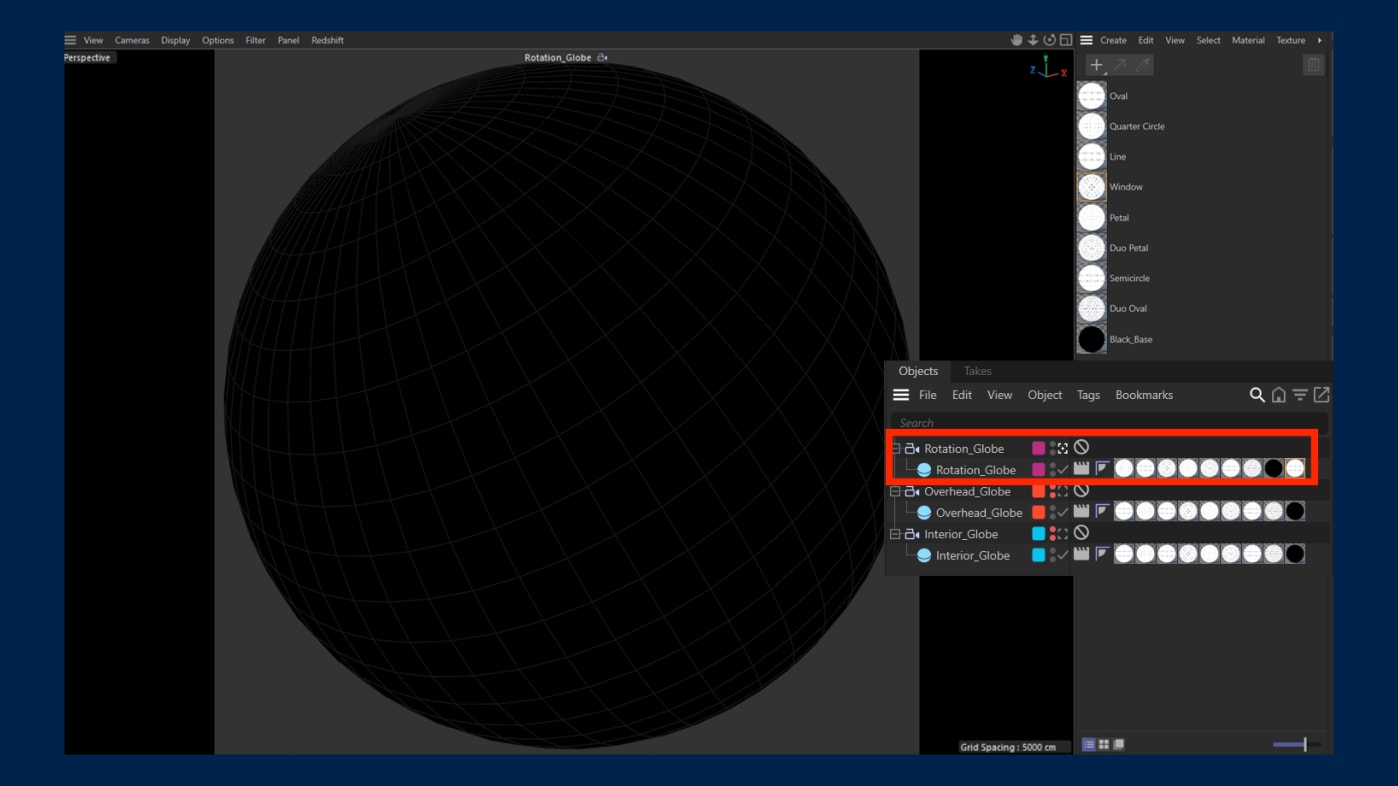
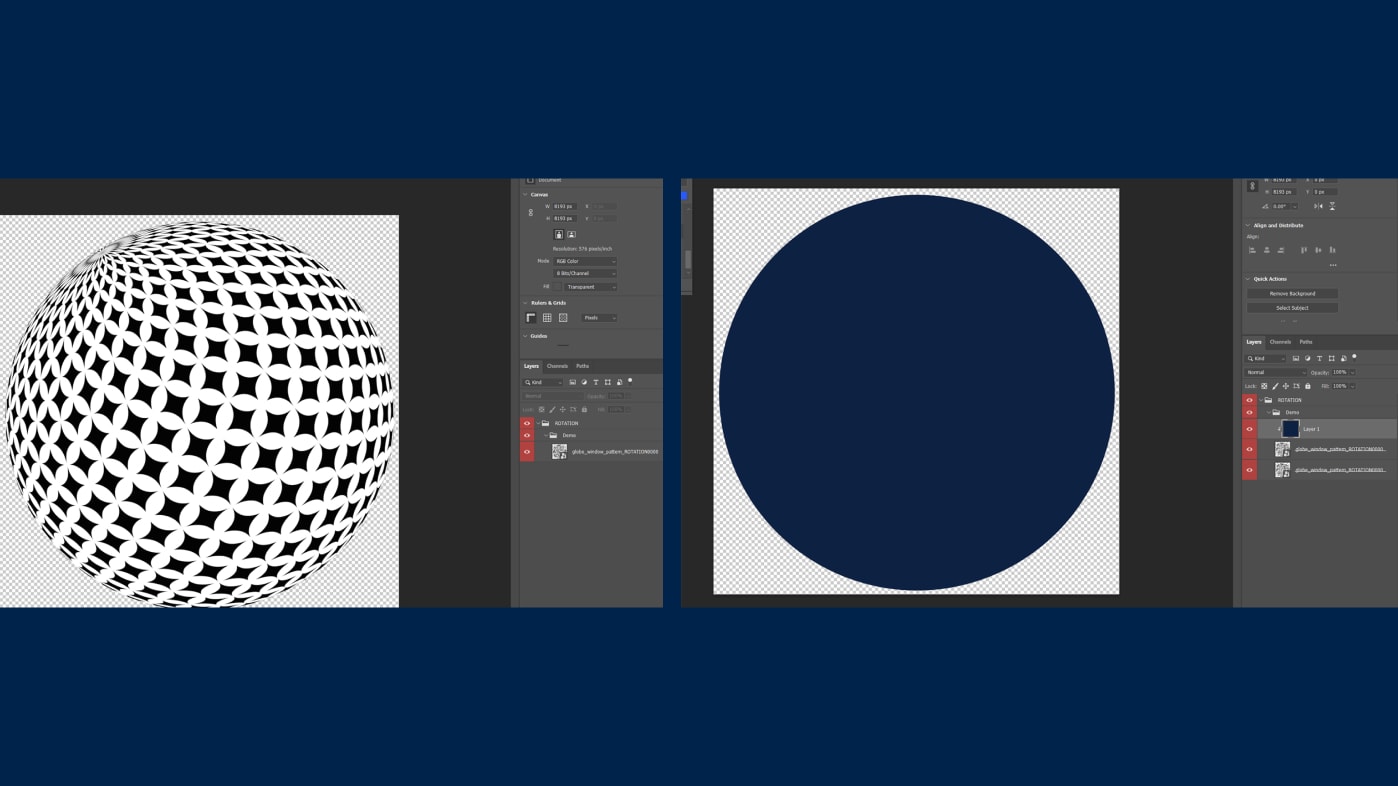
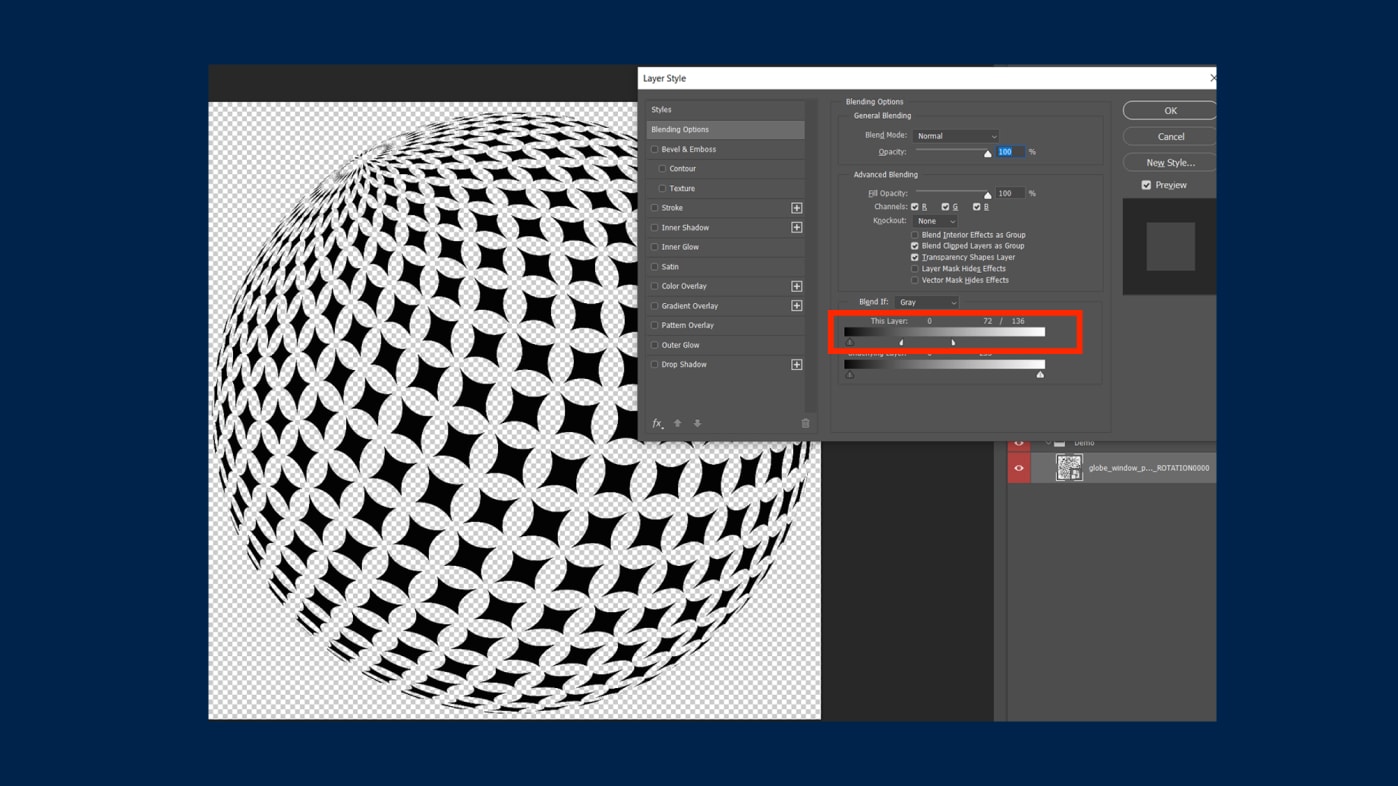
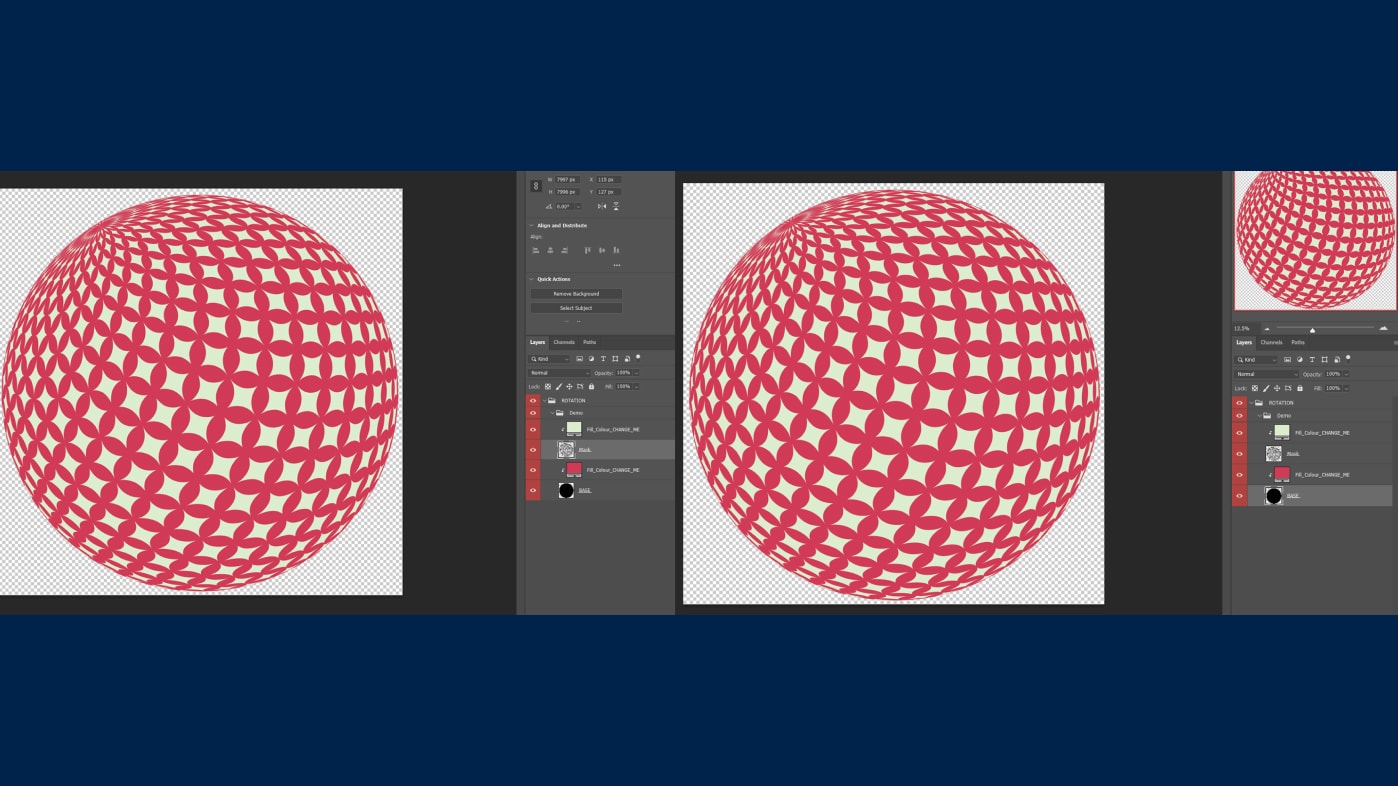
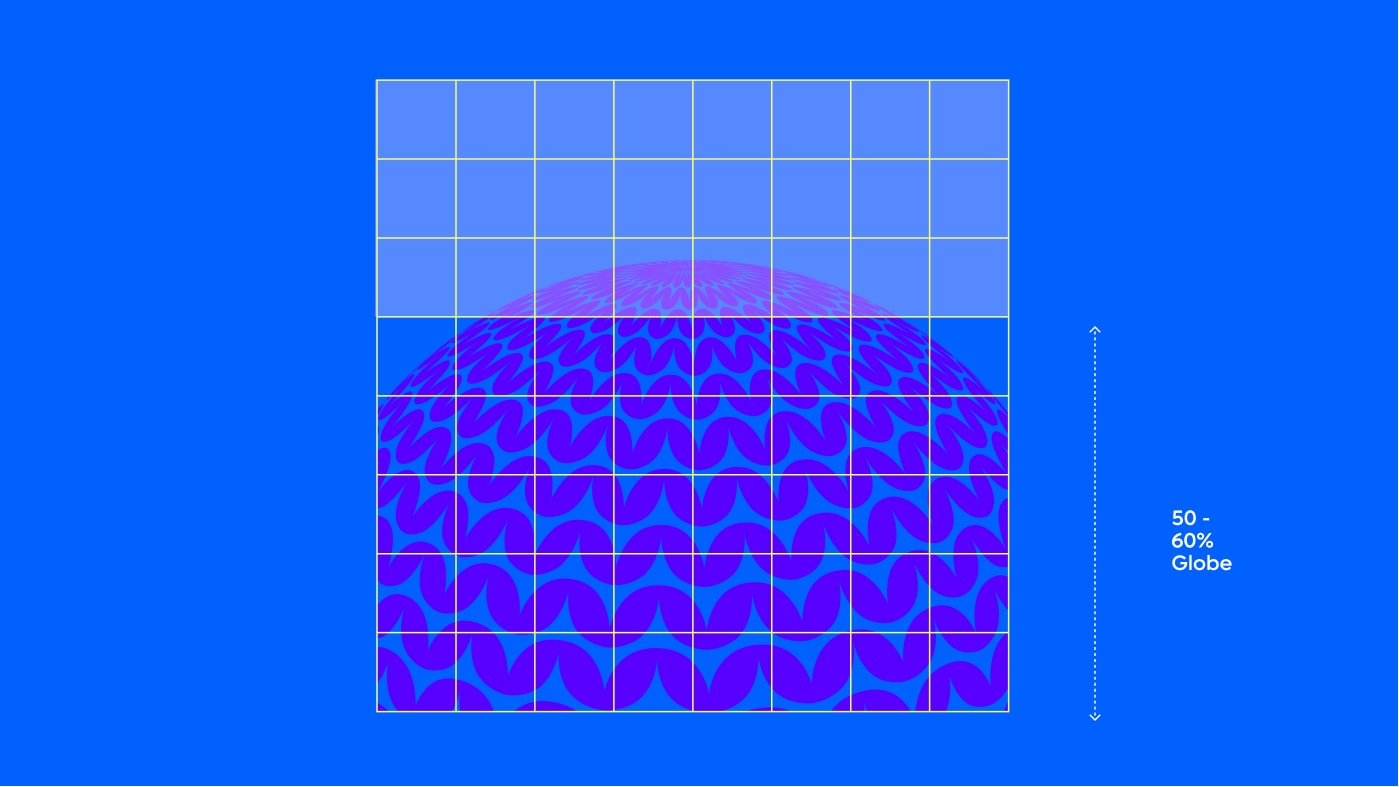
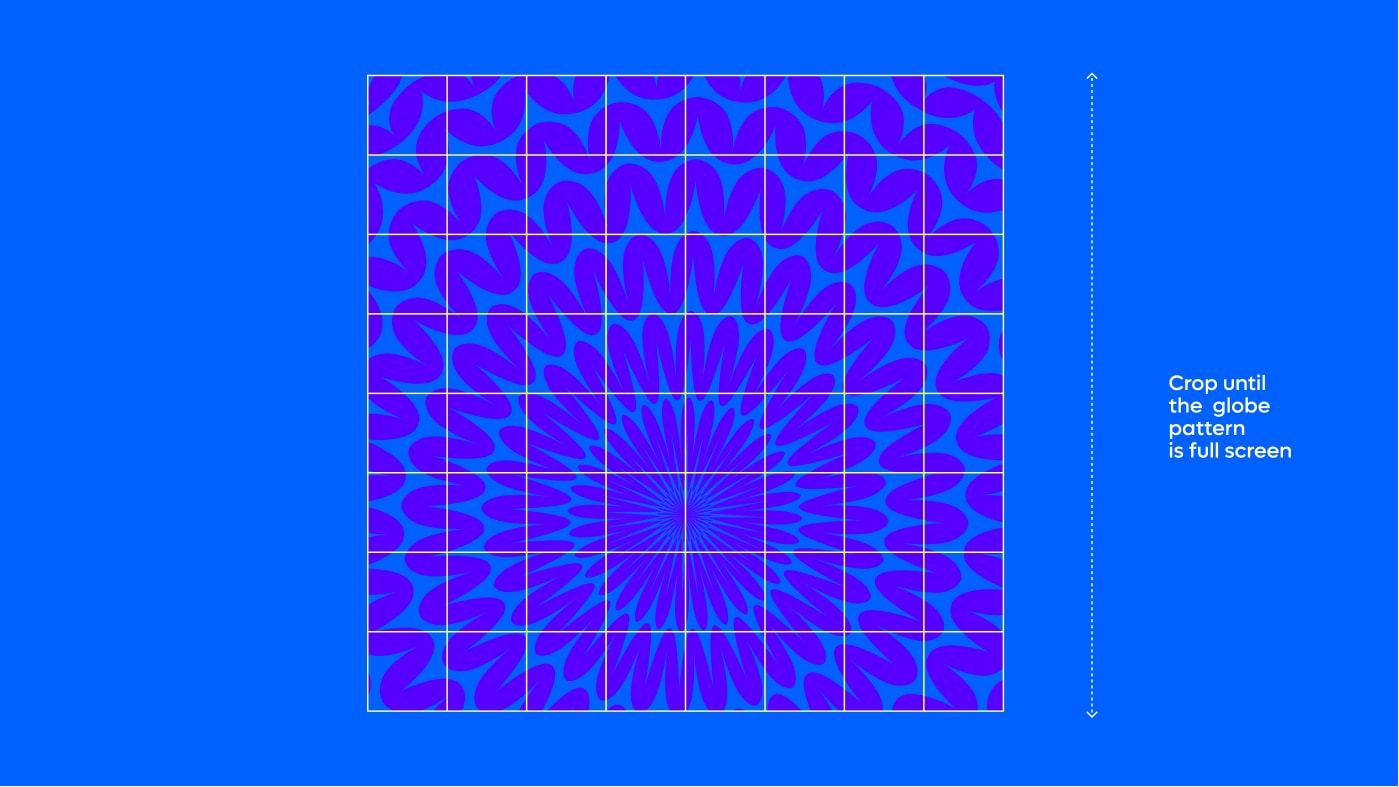
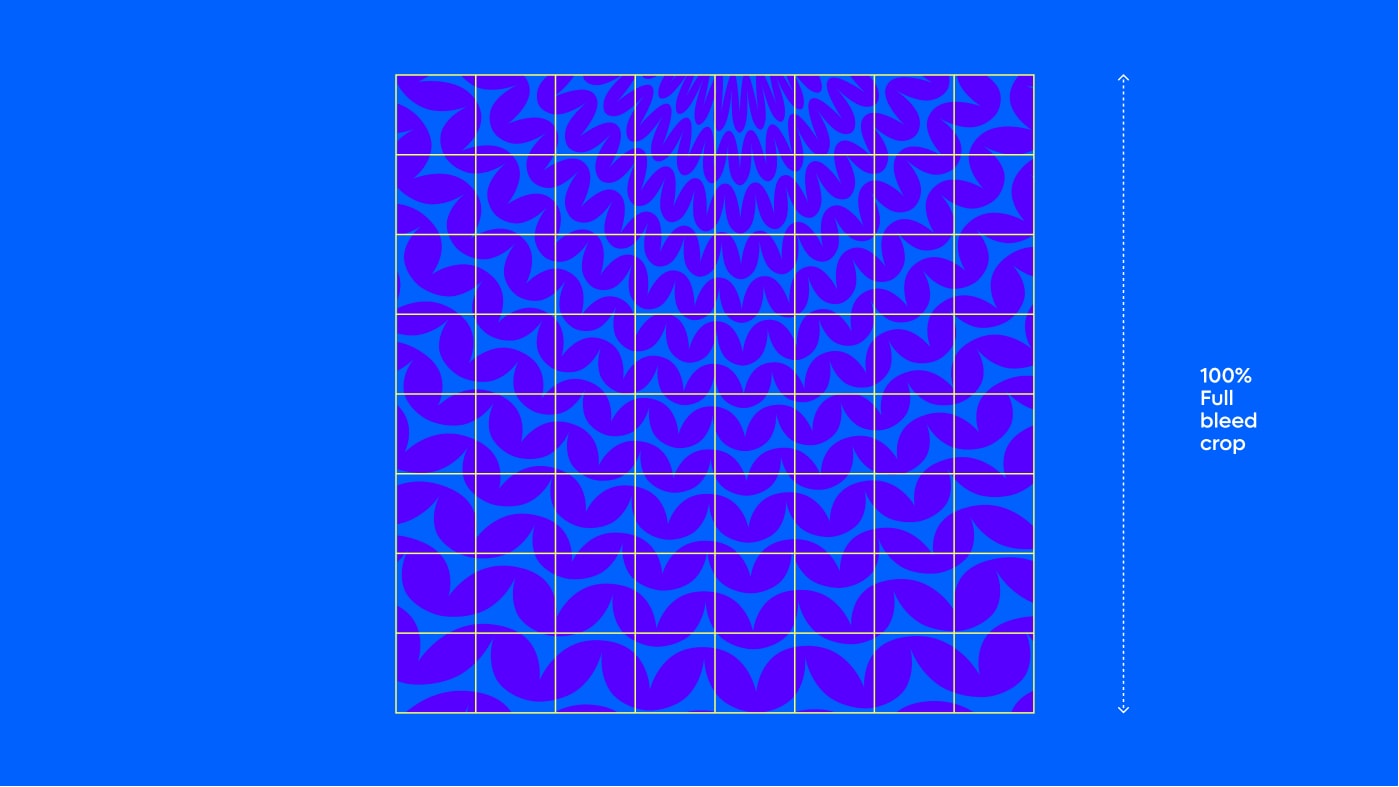
How to crop globes
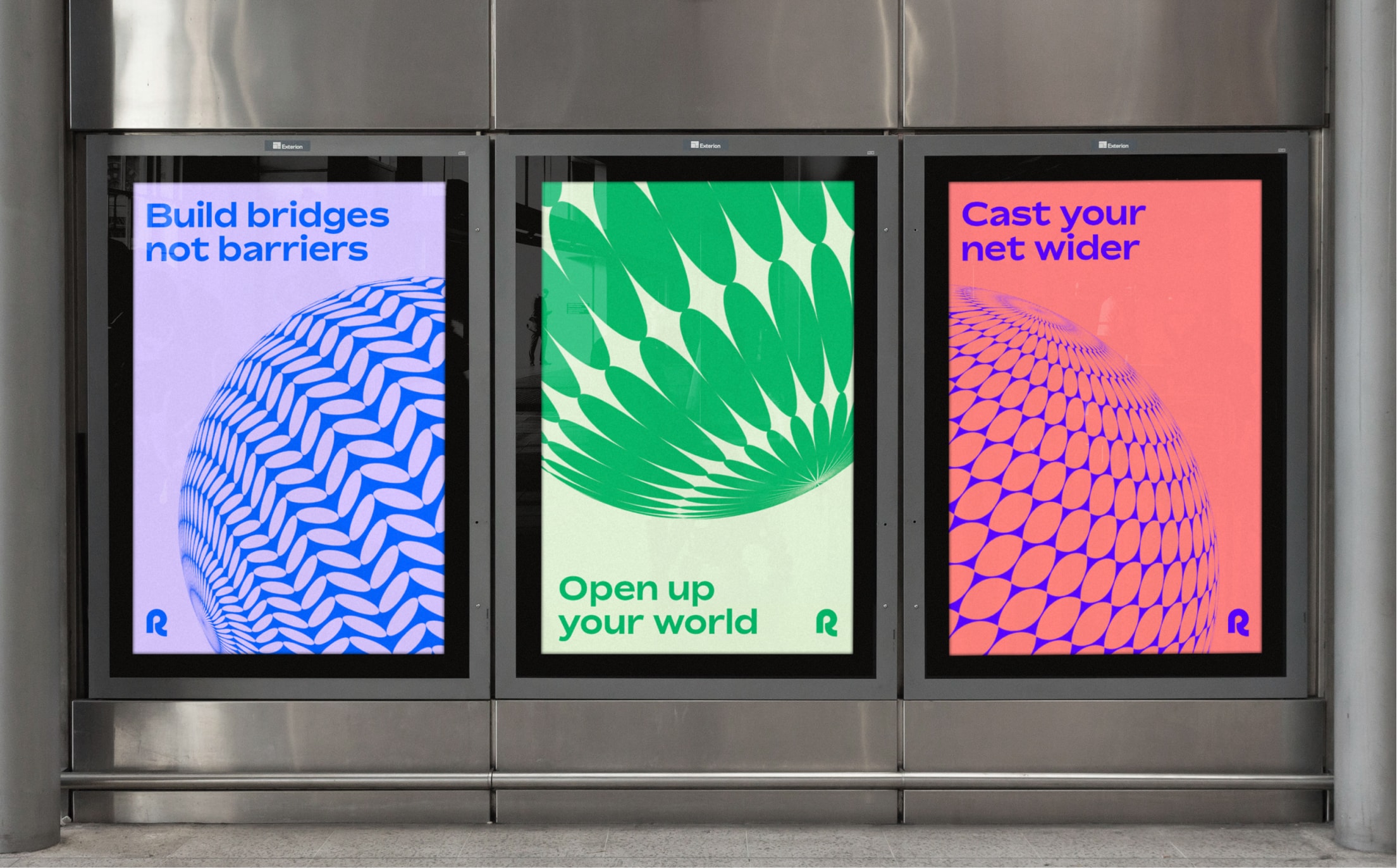
Our globes are rarely used as standalone assets, they are always cropped in a way that creates
visual interest. Please follow this guidance to create the crops.
Things to avoid
When working with our globe assets, please avoid the following mistakes
in order to maintain consistency and legibility our brand.
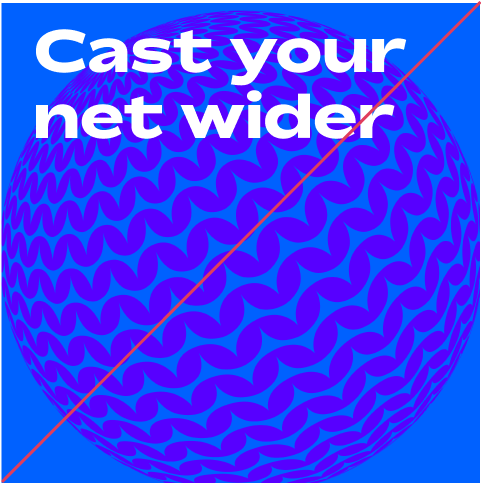
Do not use rotation globes without cropping
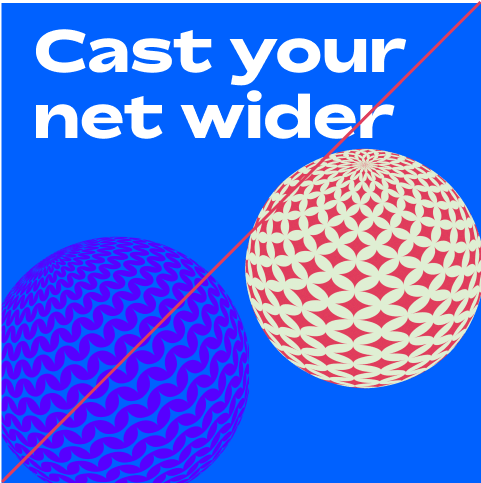
Do not use multiple globes in different colourways
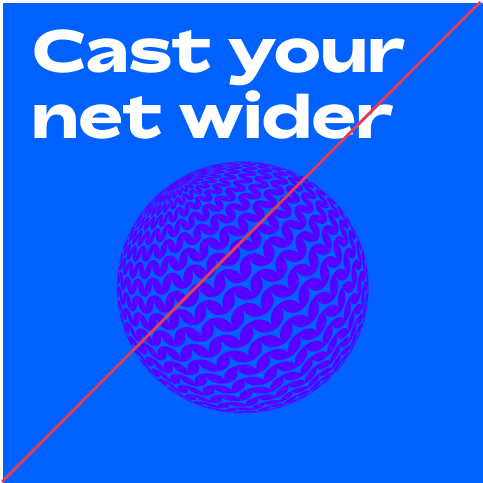
Make sure globes aren’t overly small
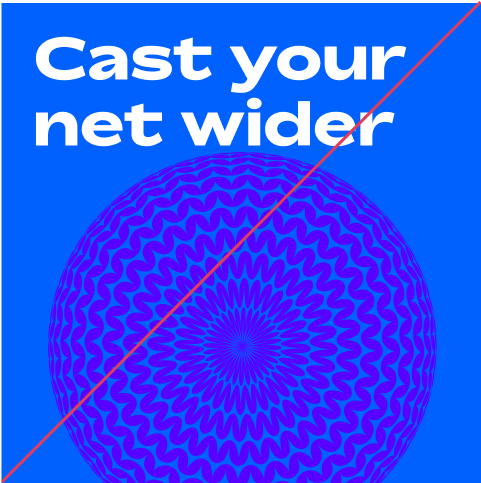
Do not use overhead globe without
cropping the image full bleed
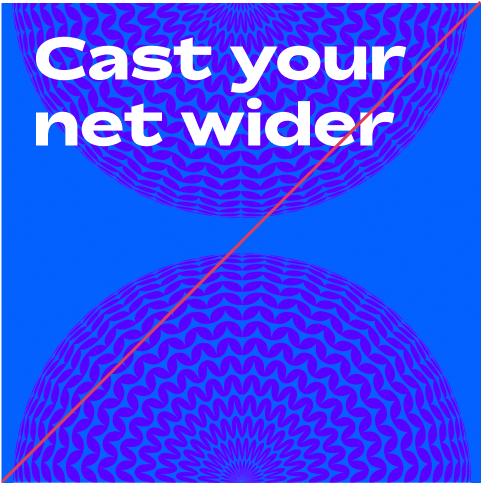
Do not use more than one overhead globe
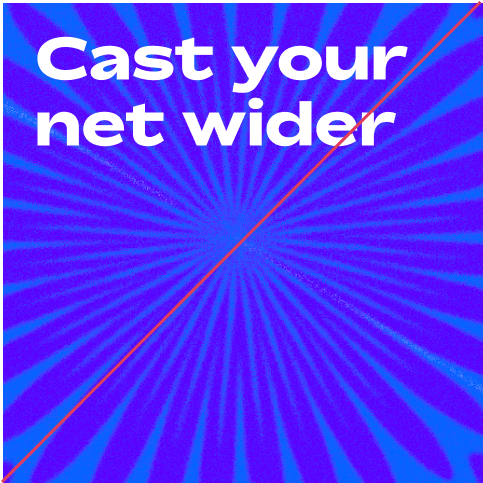
Do not crop too closely into any patterns
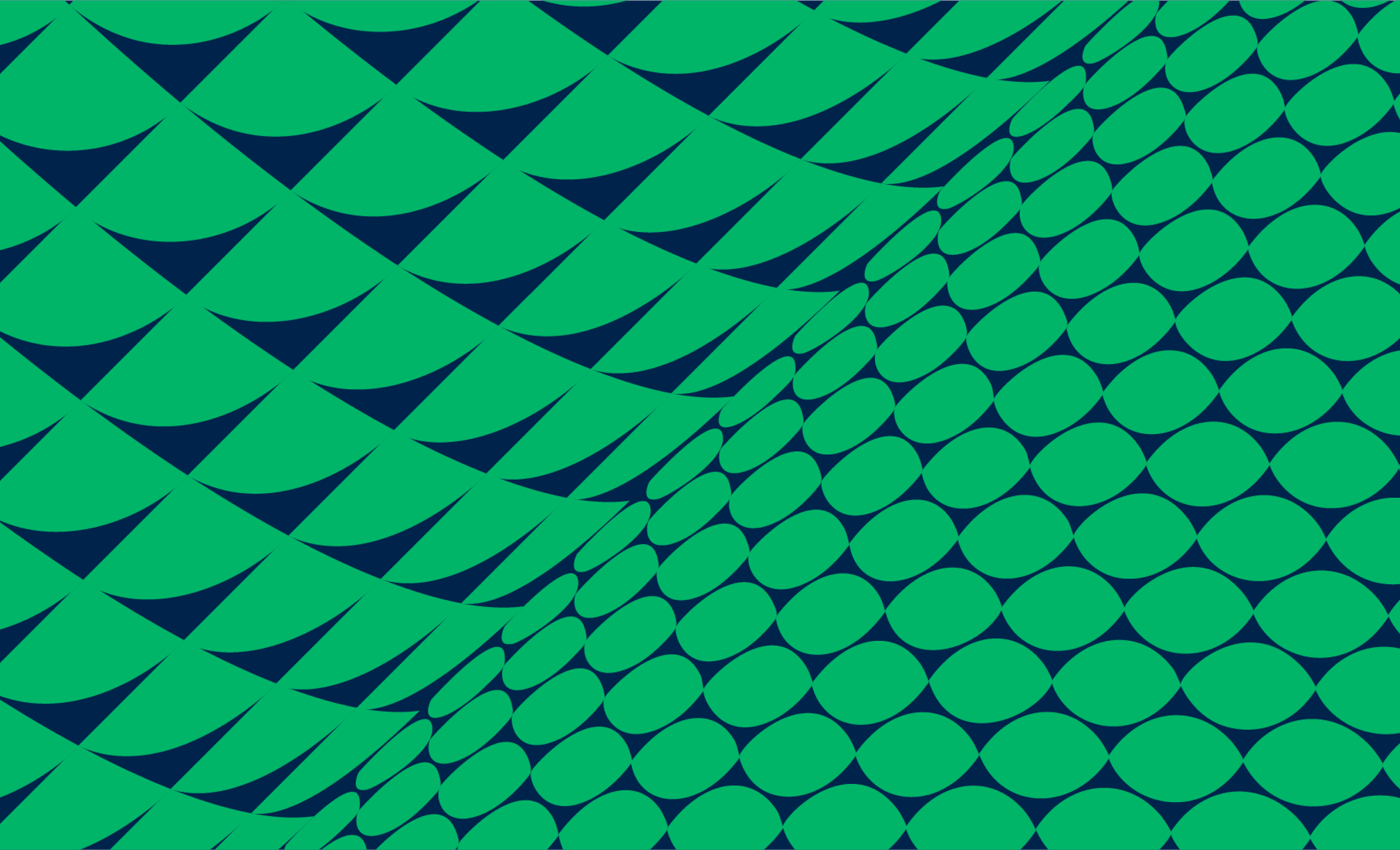
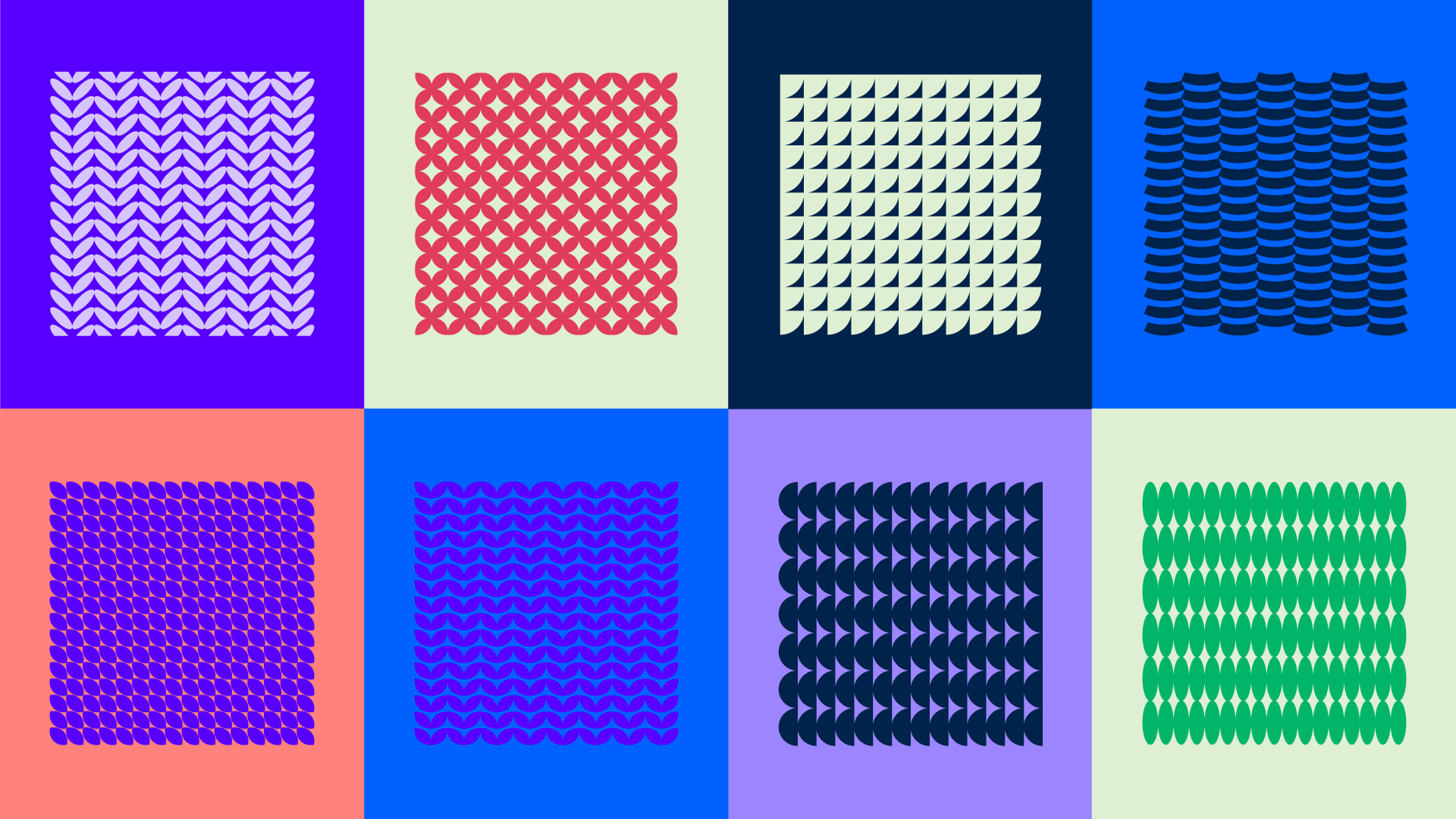
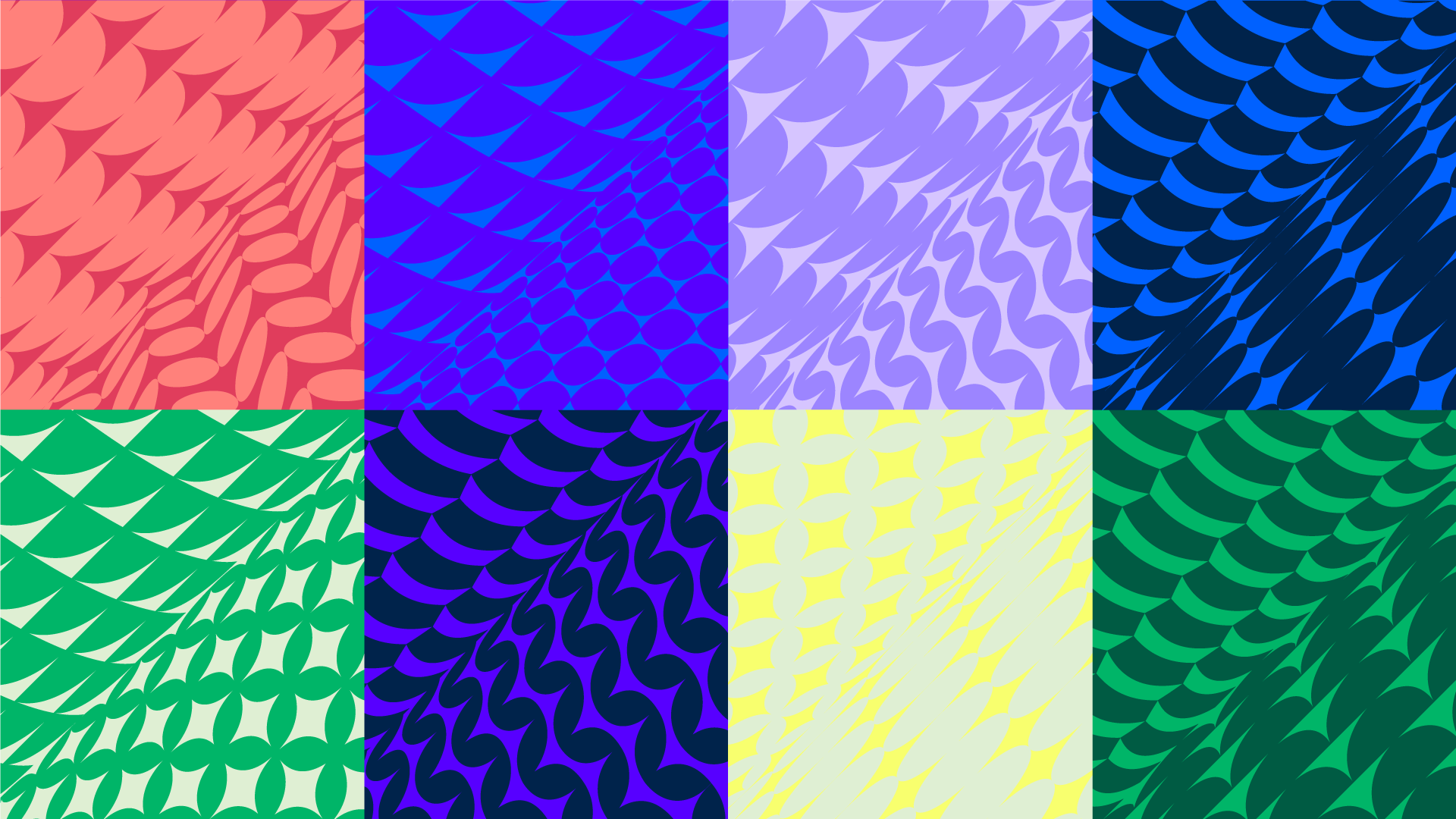
Our 8 meeting point patterns
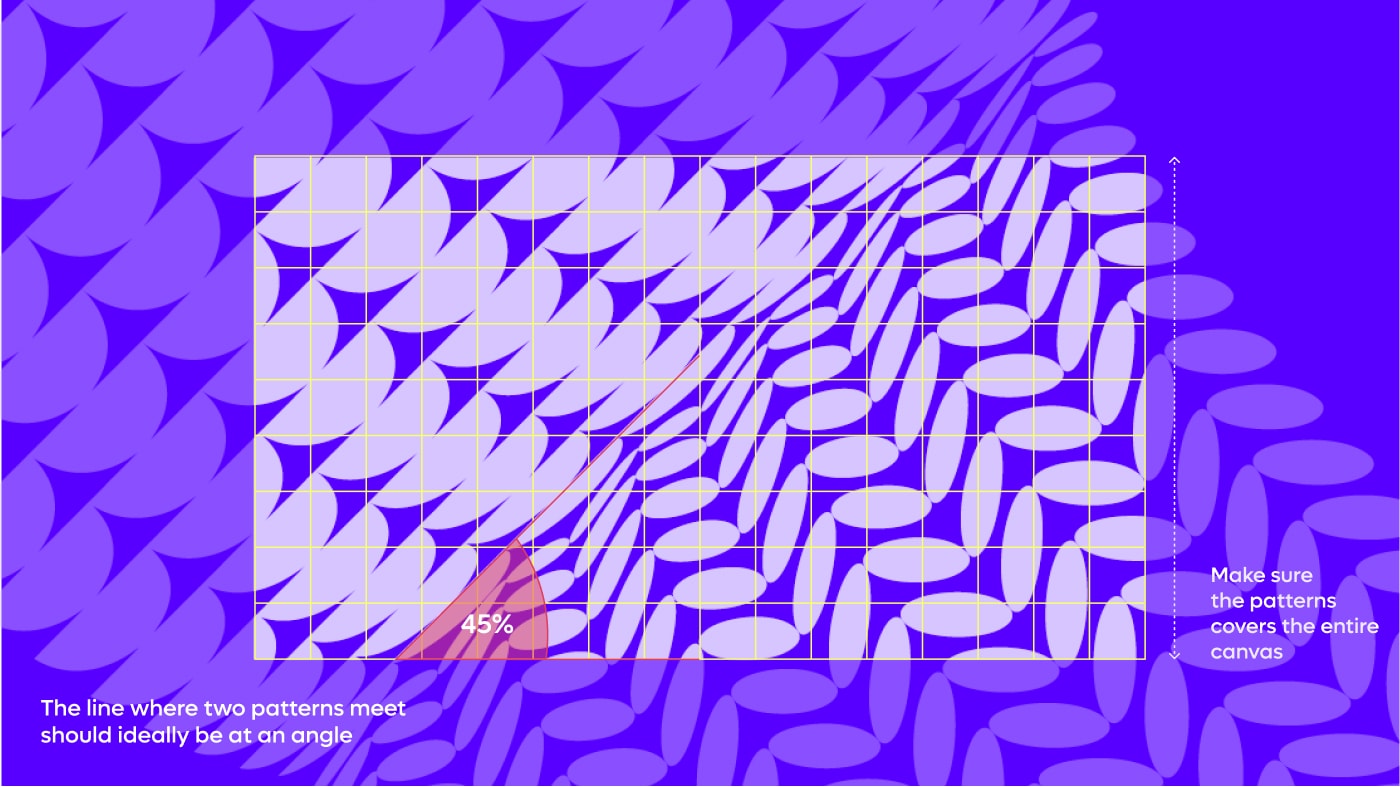
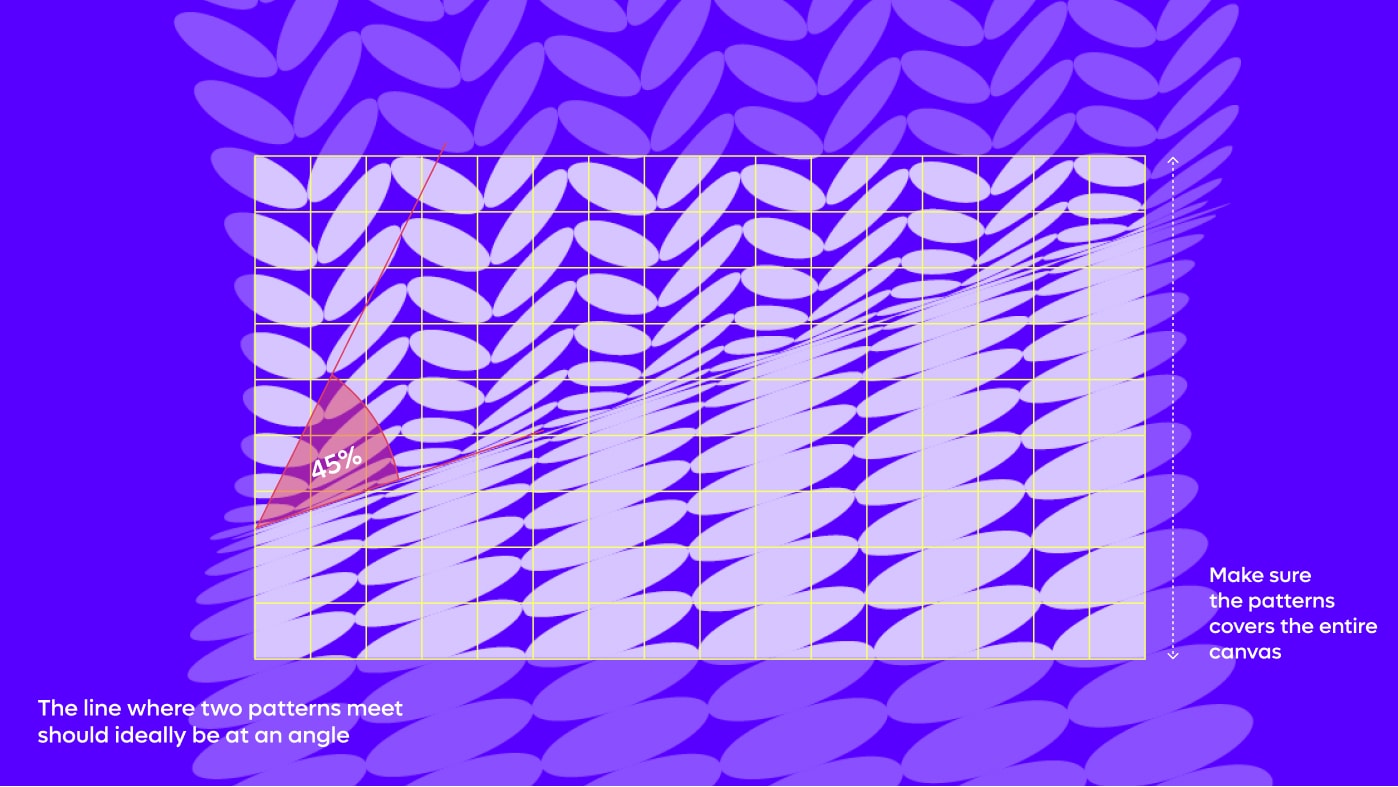
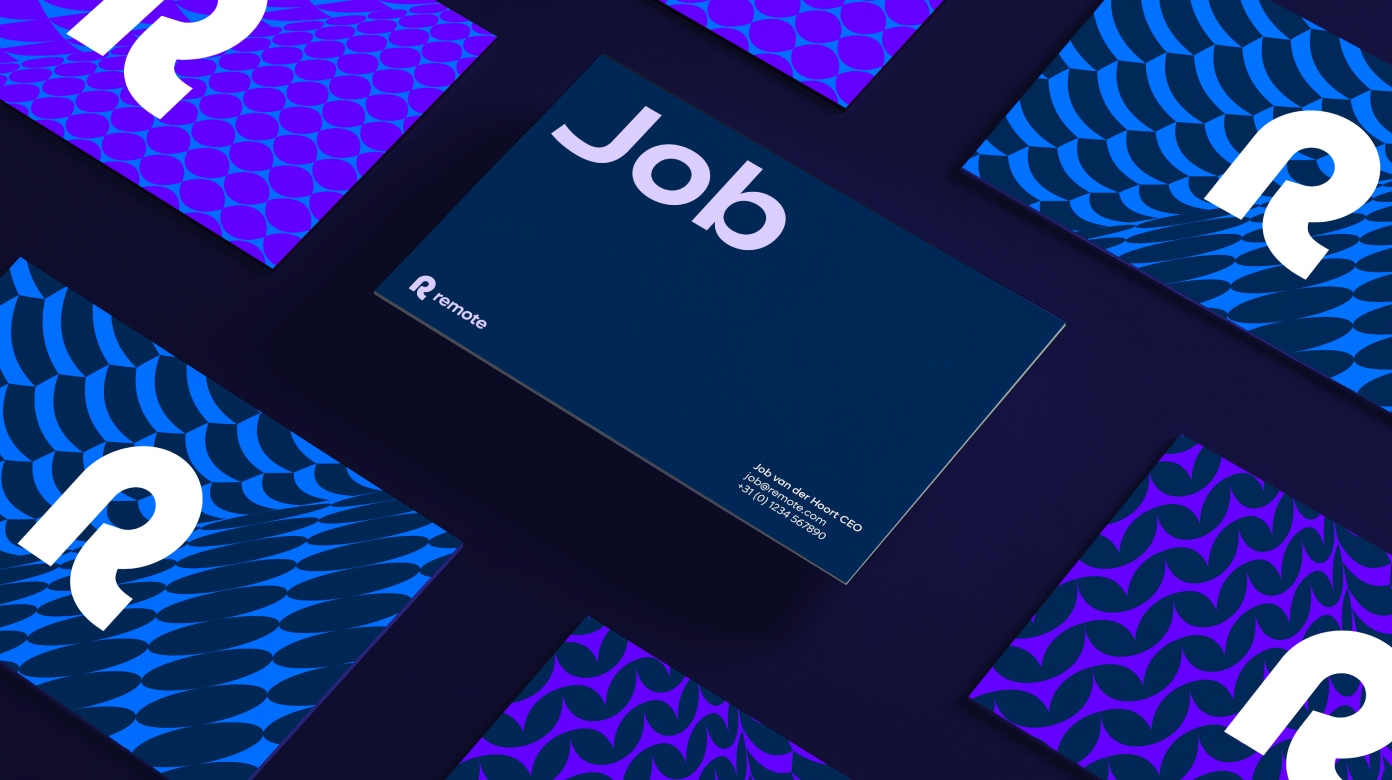
Our meeting point patterns represent sections of our globe patterns meeting. These are created by mapping our patterns as textures on two circular planes. These are then cropped in a way where no negative space is visible.
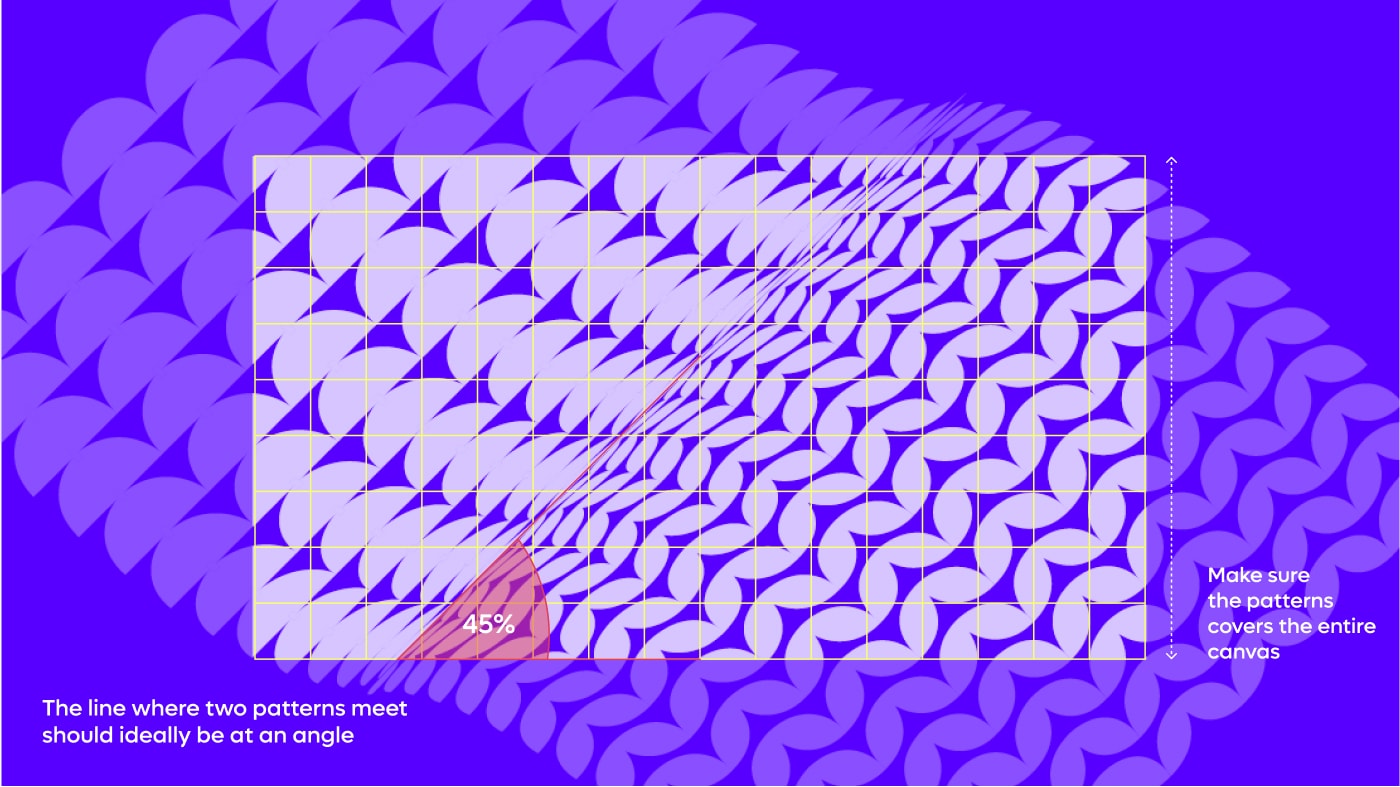
How to crop meeting point patterns
Our meeting point patterns are large vector pattern graphics that are usually cropped full screen
when used as standalone assets. There are instances where the patterns are used without cropping,
but only when used in conjunction with images
Things to avoid
To maintain consistency and legibility within the Remote brand, please avoid all of the following:
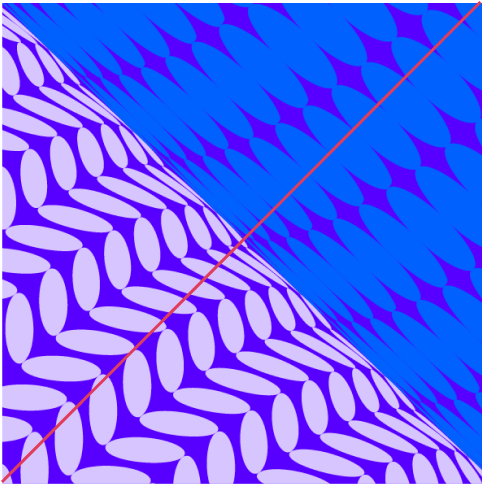
Do not mix multiple colours in patterns
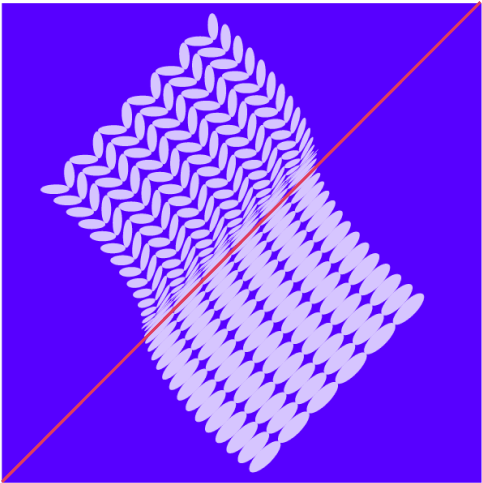
Make sure patterns are cropped full bleed
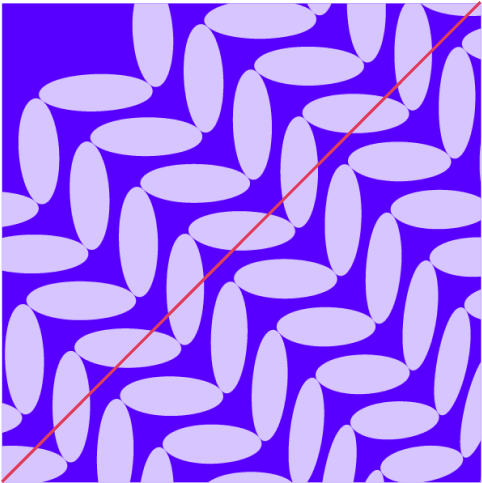
Do not omit the meeting point of a pattern
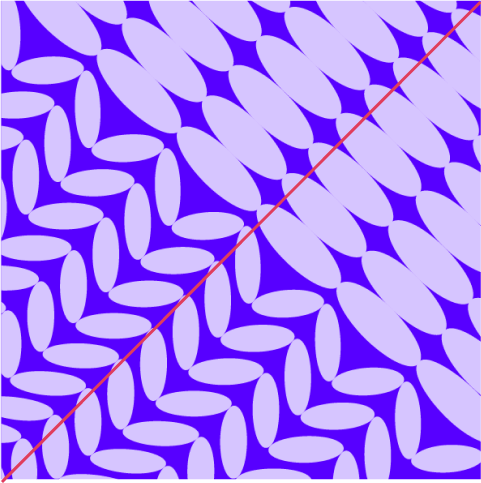
Make sure patterns meet on the smaller
side of shapes in order to create depth
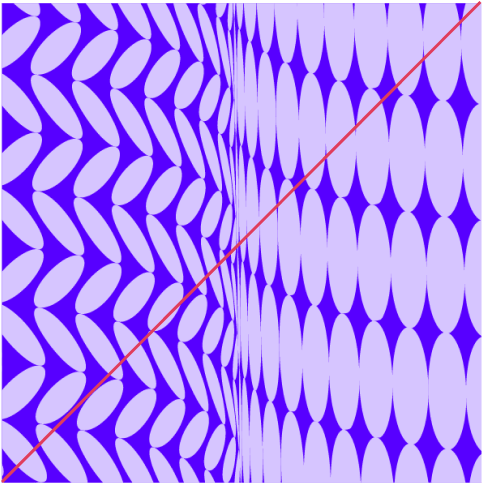
Do not position patterns without
them being on an angle
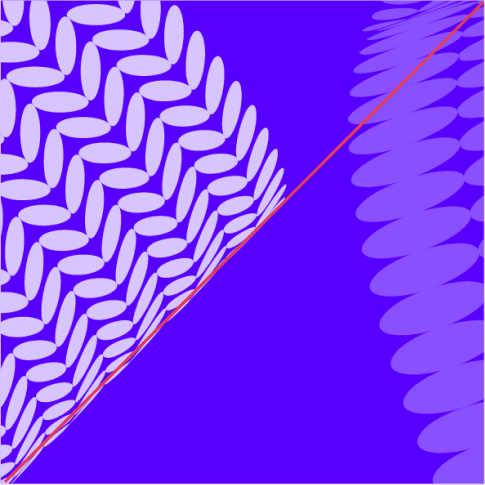
Do not change the position or apply any effects to the patterns
Examples
Layout